PROJECTS
Design and Content App Examples
Choose a focused tool for visual assets, recording, editing or publishing.
On this page
The projects
6 projects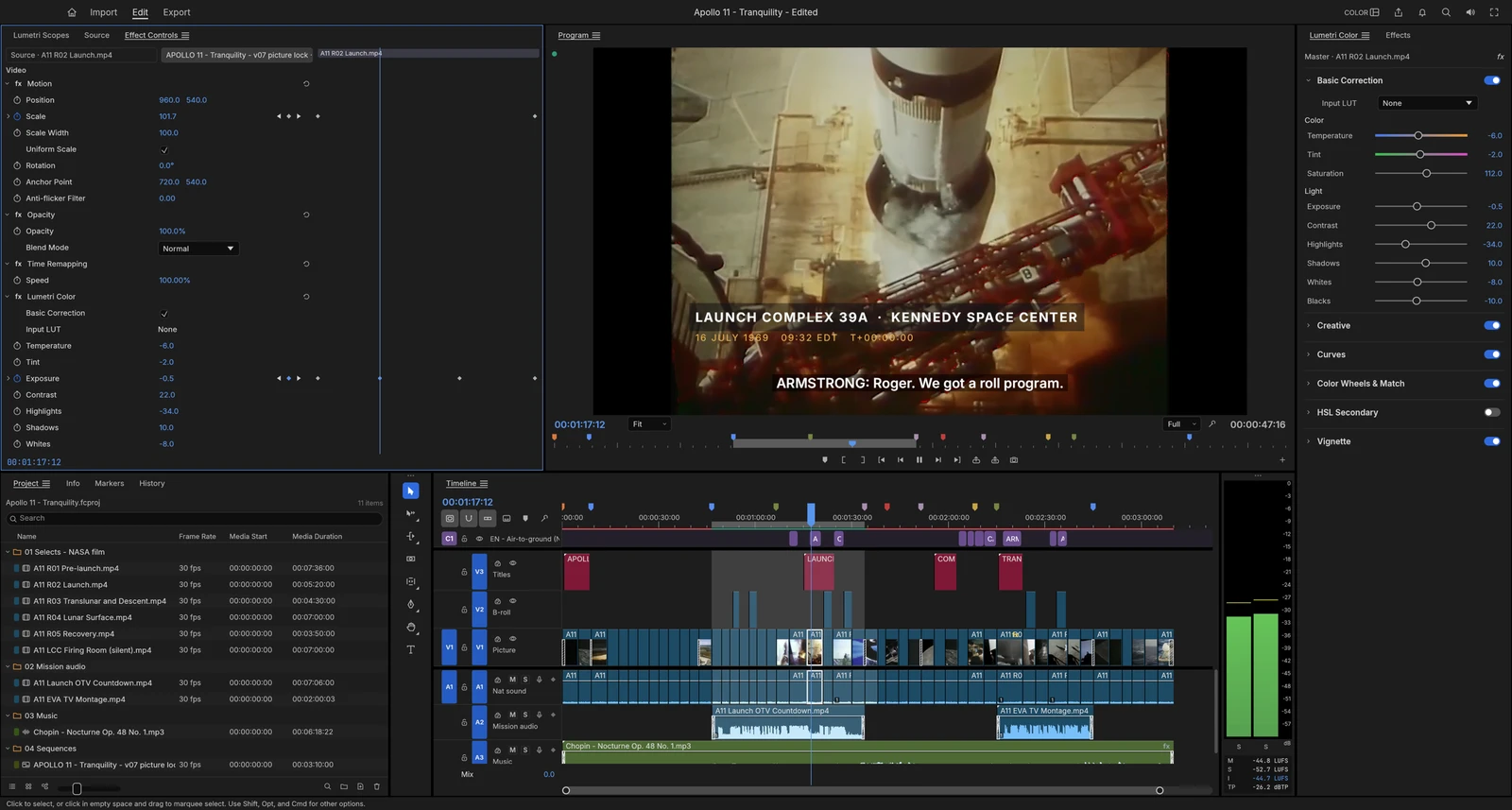 From the maker

FilmCraft
An alpha desktop video editor with a multitrack timeline, colour controls, titles, captions and documented export settings.
Claude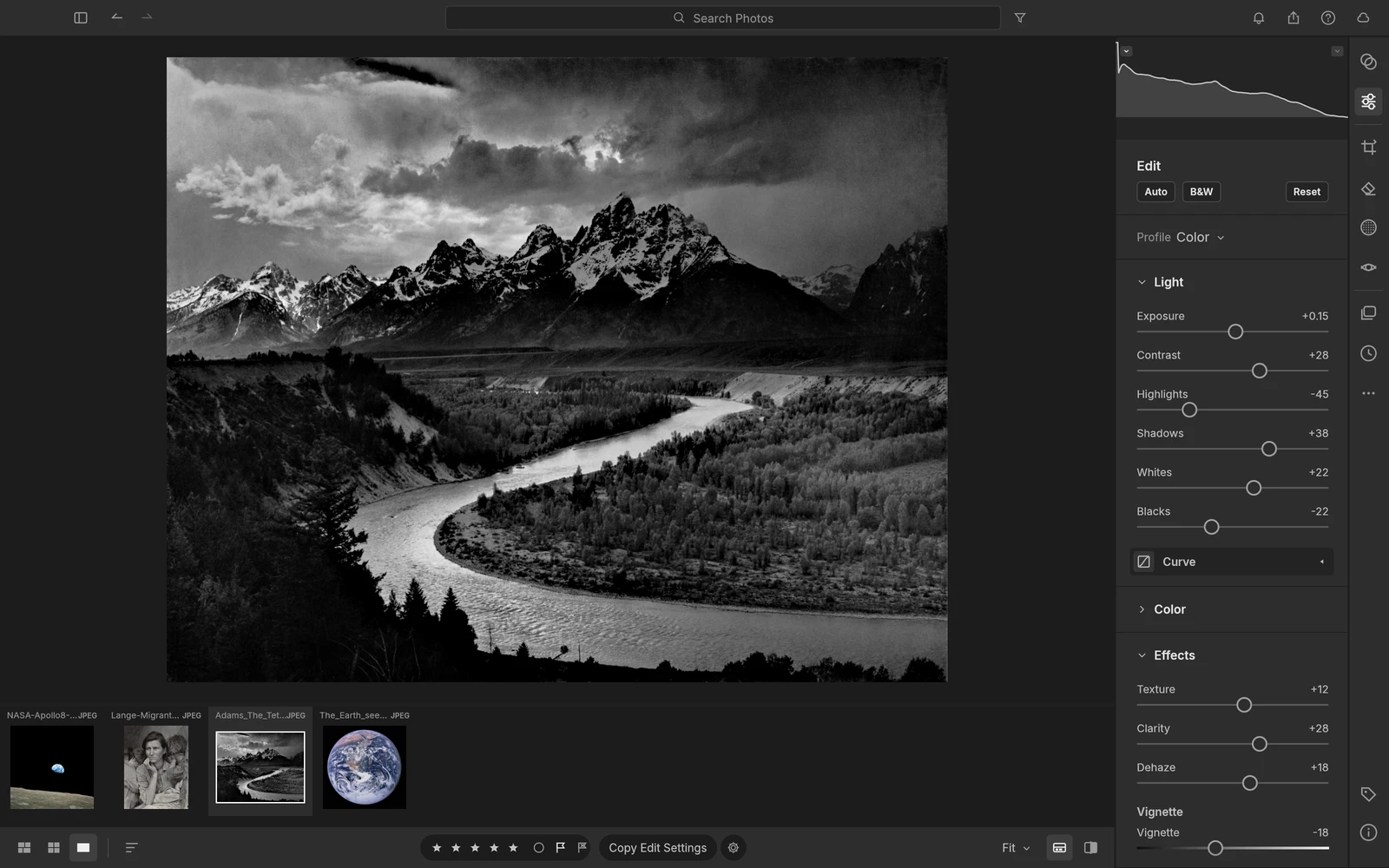 From the maker
LightCraft
An alpha photo library and RAW developer with non-destructive edits, masks, ratings and local image organization.
Claude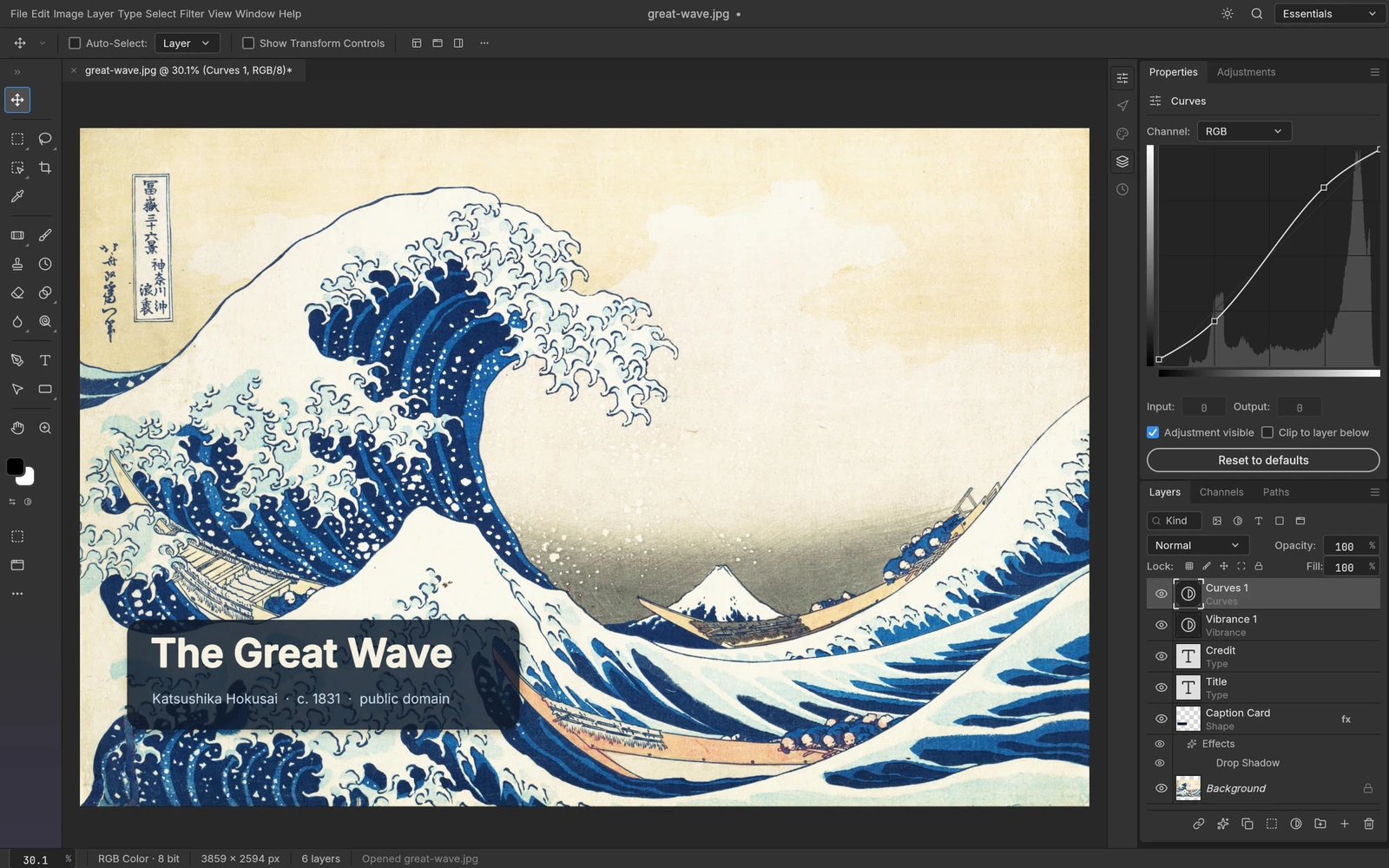 From the maker
PhotoCraft
An early-stage layered image editor with masks, editable type, adjustments and documented PSD read/write support.
Claude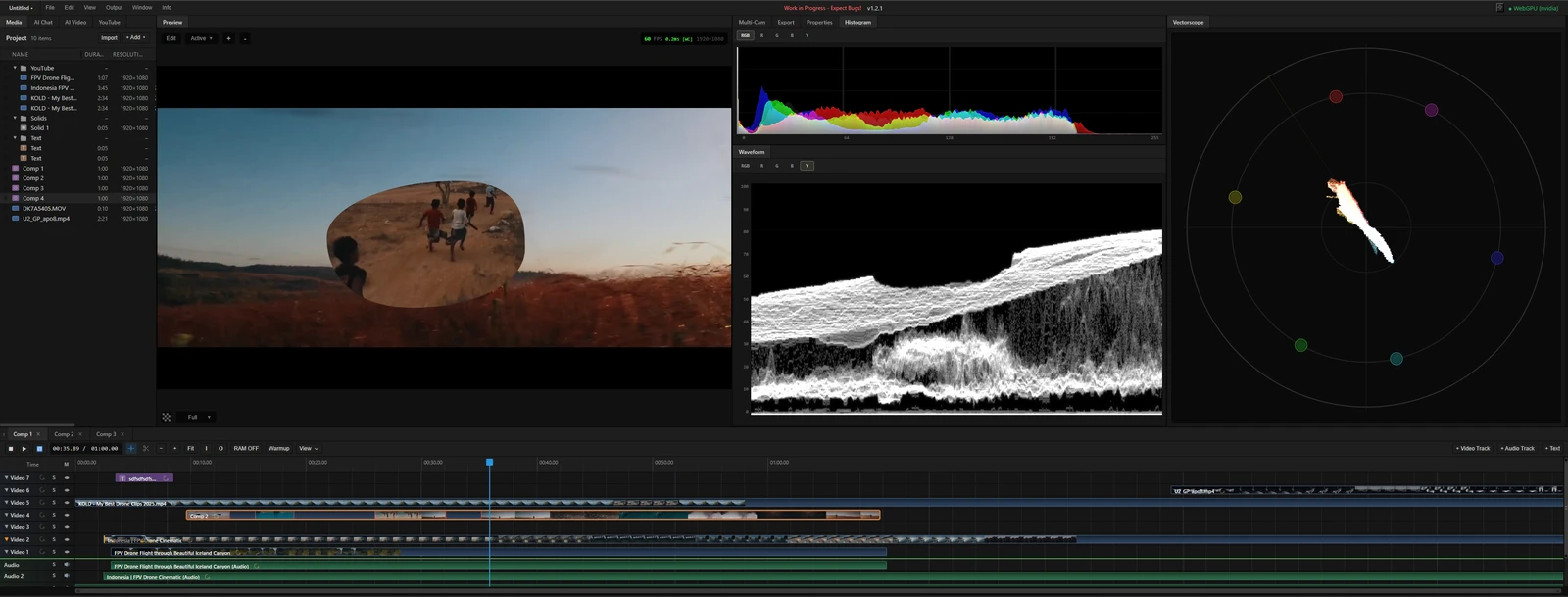 From the maker
MasterSelects
A desktop-browser media editor with a multitrack timeline, node effects and local WebGPU rendering.
Claude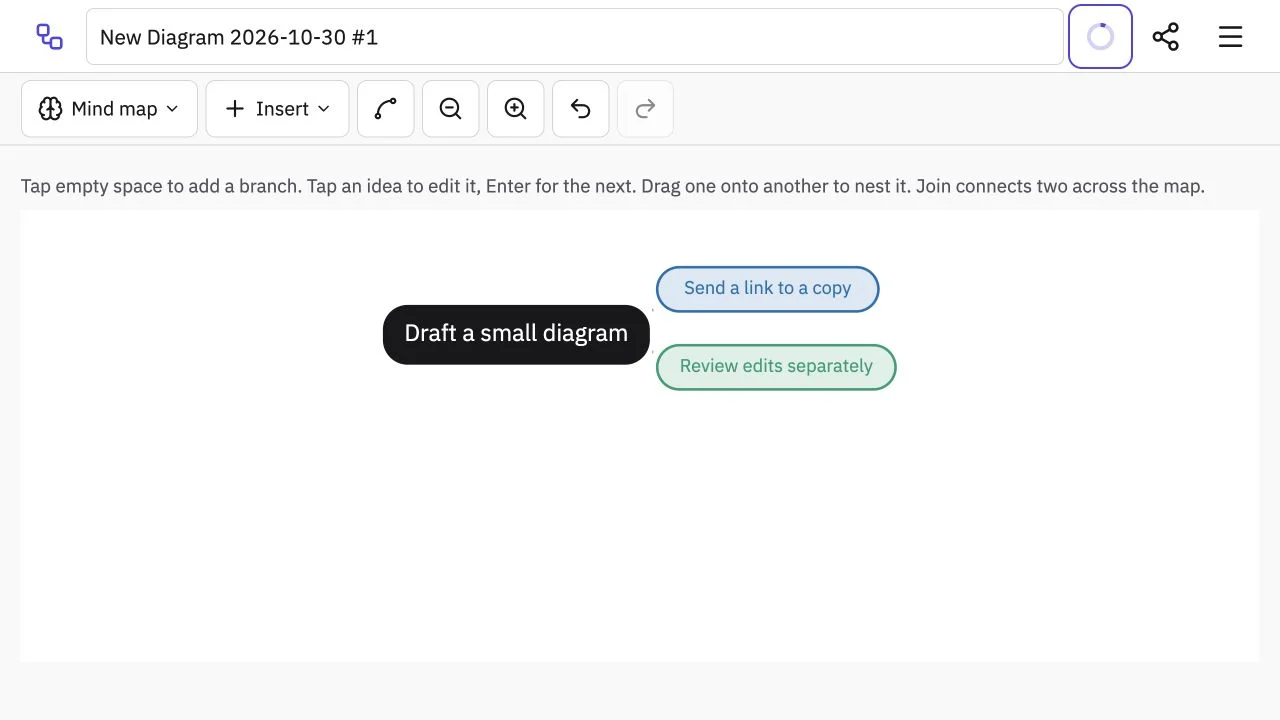 Site capture
Tiny Little Office
A browser suite for small documents and diagrams whose full links carry a copy of the document.
Claude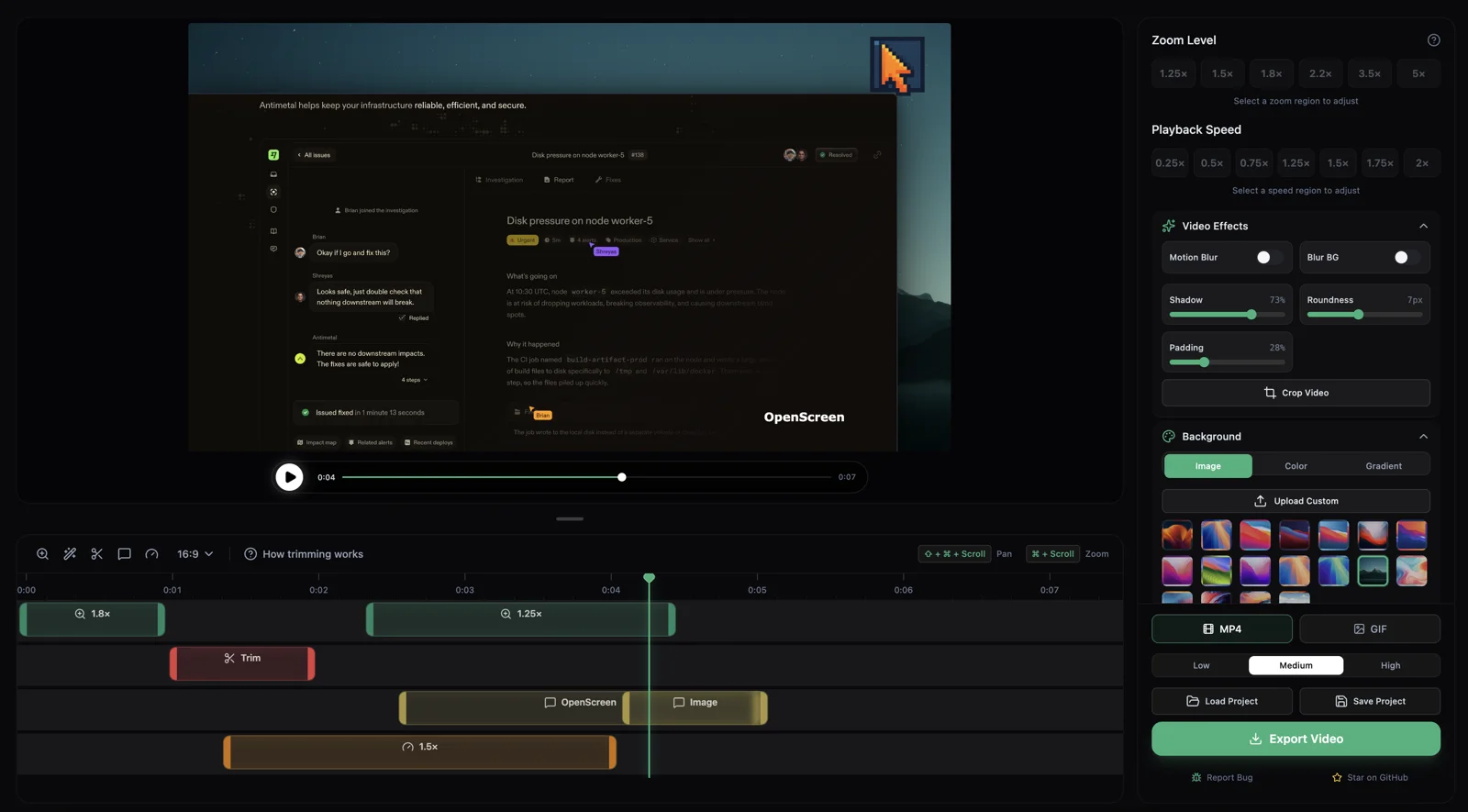 From the maker
OpenScreen
A community-maintained desktop screen recorder and editor that creates local demo videos with zooms, cursor styling, captions and MP4/GIF export.
Claude CodeChoose a project by the task you want to try
Choose a sample from your own workflow, such as a short clip or a RAW photo, and check how it moves from input to export.
Choose design and content by the outcome
Choose a focused tool for visual assets, recording, editing or publishing.
Start with a representative task and keep the output, data and platform requirements explicit. A smaller product can be useful without reproducing every feature of an established suite.
A practical selection checklist
- Input formats and output quality
- Editing controls, asset rights and export
- Platform requirements and collaboration
A few more details
How are the apps selected?
Each app needs a product identity, a usable public entry point and a cited maker account of its AI-assisted build. We describe source evidence separately from independent testing.
Sources & maker notes
Related guides & projects
View allFrom the makerFilmCraft
An alpha desktop video editor with a multitrack timeline, colour controls, titles, captions and documented export settings.
ClaudeFrom the makerLightCraft
An alpha photo library and RAW developer with non-destructive edits, masks, ratings and local image organization.
ClaudeVibe Coding Projects with Documented Builds
Browse documented vibe coding projects by output or builder. Open the live project and the original maker account to see what the build covered.
Read more
Loom Alternatives for Screen Recordings and Sharing
Compare Loom alternatives for screen Recordings and Sharing. Check recording, editing and viewer access.
Read more
VEED Alternatives for Browser Video Editing and Captions
Compare VEED alternatives for browser Video Editing and Captions. Check caption edits, timeline control and export.
Read moreCapCut Alternatives for Short Video Editing
Compare CapCut alternatives for short Video Editing. Check device support, captions and exported files.
Read more