Build coordinated agents and controlled workflows with CrewAI’s framework and enterprise platform. Check model and deployment costs.
Pricing not listedCoding & Development
15 tool entries
For help inside an existing project, start with an editor assistant or coding agent. Copilot Free provides a monthly completion allowance; Cursor Free offers limited agent and chat usage. OpenHands is a separate, self-managed route: open-source software does not make model inference or hosting free. The directory below also keeps paid alternatives.
All 15 entries in this category, sorted by name.
Try one small code change. Check whether you need inline completions, chat about your repository or an agent that can run the change. Compare the free allowance separately from any model or hosting bill.
Scroll the table sideways for all limits and official sources.
| Your task | Tool | Why consider it | Conditions and source |
|---|---|---|---|
| Code suggestions in your editor | GitHub Copilot | A recurring free starting point for inline assistance in supported editors. | Free lists 2,000 completions per month. Other AI usage has its own limits; it is not an unlimited agent plan.Official source |
| Ask an agent about a codebase | Cursor | A coding workspace with a $0 plan for limited agent and chat requests. | Free usage is limited; paid models and extra usage can have separate charges. No fixed unlimited allowance is promised.Official source |
| Run a self-managed coding agent | OpenHands | An open-source route for inspectable coding-agent work, with a backend and model you configure. | Model inference and the execution environment may cost money. Open source is separate from free hosted AI access.Official source |
Build coordinated agents and controlled workflows with CrewAI’s framework and enterprise platform. Check model and deployment costs.
Browser automation for AI agents, with an open-source framework and paid cloud infrastructure. Model and browser costs are separate.
Context7 supplies version-specific library documentation and examples to coding agents through its MCP server. API access follows the provider’s current plan.
Run coding agents locally or through hosted services. Open-source software, model inference and deployment have different costs.
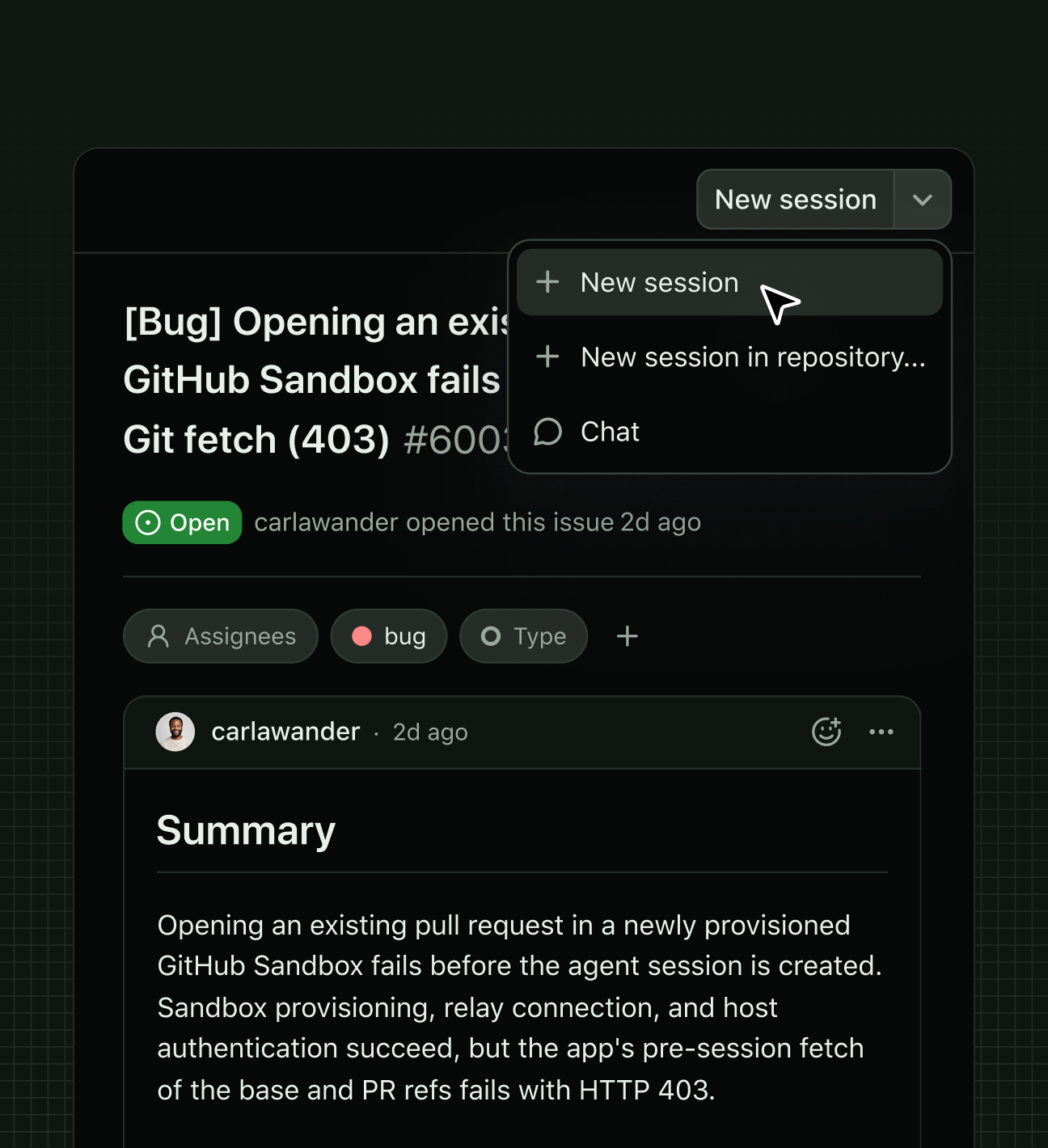
GitHub’s official MCP server connects compatible AI clients to repository, issue and pull-request tools with scoped authentication.
Microsoft’s open-source MCP server gives AI assistants structured browser automation through Playwright. Provider or browser hosting costs may apply.
An agentic coding tool that reads code, edits files and runs commands, with terminal, IDE and hosted surfaces. Check permissions and costs.
The former Tabnine domain currently redirects to Tricentis. Standalone assistant availability and pricing are not verified.
The legacy Codeium/Windsurf plugin path now has maintenance and migration notices. Check current JetBrains guidance before installing.
Work on a codebase with an AI coding agent and editor tools. Compare account limits, model usage and review controls.
What's free: Use limited coding-agent and chat requests in Cursor's Free plan.
Limits: Free AI usage is limited; paid models and extra usage may be billed separately. No fixed unlimited allowance is stated.
Signup requiredFor trying codebase questions and scoped agent edits before choosing a paid plan.
Official pricing checked: · Not a hands-on test
Official plan & conditions ↗Describe an app, inspect the generated project and test it in Replit. Agent usage, integrations and deployment have separate conditions.
AI coding suggestions and contextual chat in supported IDEs. Free includes 2,000 inline suggestions monthly.
What's free: Get inline coding suggestions and limited chat or agent help.
Limits: 2,000 inline suggestions per month; chat and agent usage have separate limits.
Signup requiredA free entry point for assistance inside supported code editors.
Official pricing checked: · Not a hands-on test
Official plan & conditions ↗Copilot Free and Cursor Free provide limited coding assistance. Their free plans are not unlimited, and the available agent, model and chat usage differs.
Not necessarily. You may still need a paid model, execution environment or hosted service. Check those costs separately from the software license.
This guide highlights free editor help and an open-source route. The full coding directory keeps other options; use the checked-free filter for currently verified free access.
Selection advice based on official documentation, without a comparative performance test. Sources checked: