Inspect how research is cited and use a source-linked research assistant. Read citation context before relying on a classification.
AI research tools for papers, web and documents
4 tool entries
Start with your task
Start with the research stage. Consensus helps discover scholarly papers, Elicit organizes extracted evidence, and Scite shows citation context. For broader web research, compare Perplexity and Gemini; Claude supports work with uploaded documents. Open the original sources before accepting a summary or citation.
Category groups and related topics
Tool entry index
All 4 entries in this category, sorted by name.
Compare literature search, evidence extraction and citation checks
For a literature review, start with one question and a small set of papers you know. Compare what the tools discover, extract and cite, then trace one finding back to the original paper.
Scroll the table sideways for all limits and official sources.
| Your task | Tool | Why consider it | Conditions and source |
|---|---|---|---|
| Discover scholarly papers | Consensus | Find studies for a focused question and use plan-dependent synthesis features. | Paper discovery and advanced analysis have different limits. Read the underlying studies.Official source |
| Screen papers and extract evidence | Elicit | Organize literature-review evidence into structured fields. | Check screening and export access, and verify extracted values against the paper.Official source |
| Inspect citation context | Scite | Investigate how later work discusses a finding, including supporting and contrasting citations. | Citation labels assist reading; they do not replace judging the study design or conclusion.Official source |
| Web research with source links | Perplexity | Research mode investigates a question across web sources and prepares a sourced response. | Free users have limited Research access. Open the sources and check their dates and relevance.Official source |
| A multi-step research report | Gemini | Deep Research uses web search and can work with added files or connected sources. | Source access and usage limits depend on the account. Review the research plan and original evidence.Official source |
| Understand your own documents | Claude | Ask questions about supported uploaded documents and compare passages with a focused brief. | File type, size and account limits apply. Verify quoted passages against the original file.Official source |
| Find an initial paper by title or author | Semantic Scholar | Search for a known paper or topic, then open the paper record and inspect references and citations. | Database coverage and full-text access vary. Open the publisher record to check the paper before citing it.Official source |
| Explore citations from papers you already trust | ResearchRabbit | Start with one or more seed papers and use the citation graph to discover earlier work and related publications. | The graph depends on your starting papers. Use a separate keyword search if you need broader coverage.Official source |
- Choose paper discovery, evidence extraction or citation checks first; use web and document tools for the material those tasks require.
- Set the question, date range and sources you need before starting a report.
- Check file permissions, connected-source access and the actual plan allowance.
- Distinguish a web citation, a paper abstract and full-text evidence.
- Open important sources and check the precise passage supporting each claim.
Filter by price, platform or type
Found 4 toolsCategories: Research & AnalysisFilters (1)

Search research papers and compare cited findings using Paper, Pro and Deep modes. Free and paid research allowances differ.
Free planResearch & Analysis
What's free: Search research papers and try limited Pro and Deep analysis.
Limits: Free lists unlimited paper searches with separate monthly limits for messages, reviews and snapshots.
Signup requiredWhy this tool & pricing source
For finding scholarly sources before reading the original studies.
Official pricing checked: · Not a hands-on test
Official plan & conditions ↗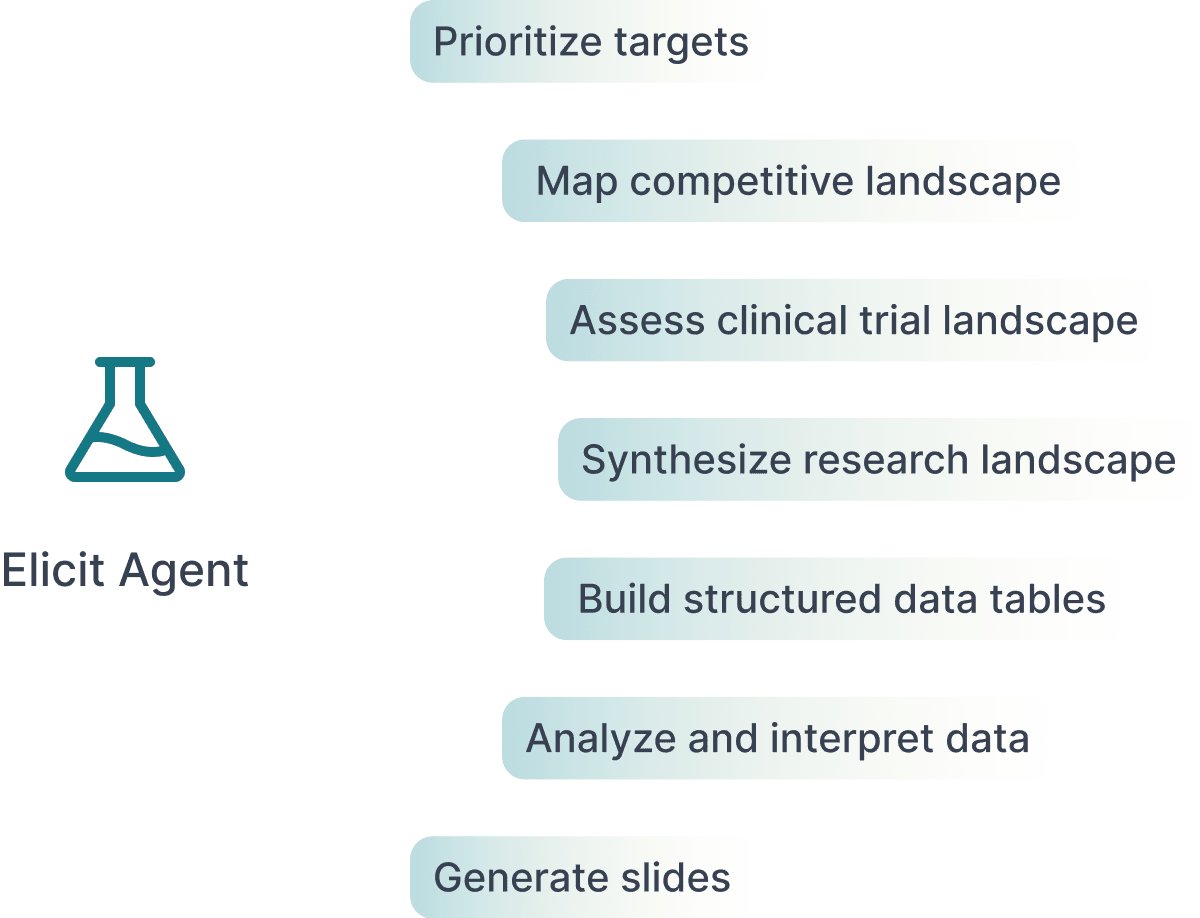
Find papers, screen studies and organize extracted evidence with a research-focused AI workflow. Verify sources and plan limits.
Pricing not listedResearch & Analysis
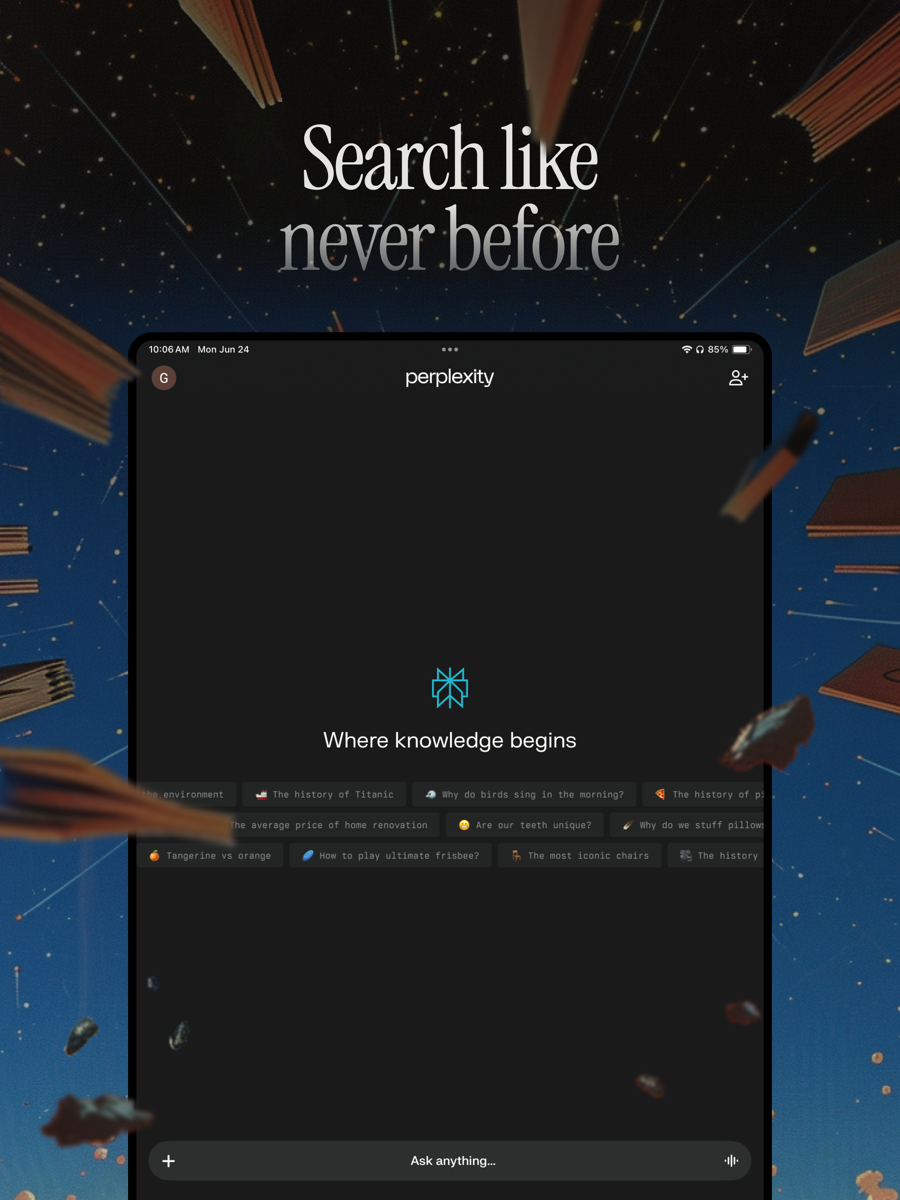
AI web search with generated answers and source links; Standard limits advanced searches and file uploads.
What's free: Search the web and follow the sources behind an answer.
Limits: Advanced searches and file uploads are limited; paid features are separate.
Signup not confirmedWhy this tool & pricing source
A focused option for questions where checking the original source matters.
Official pricing checked: · Not a hands-on test
Official plan & conditions ↗Choose with one small task
- Write a focused question and choose scholarly papers, web sources or your own documents.
- Review the proposed plan or search a small relevant evidence set.
- Record the claim, original source and date together; flag missing evidence.
- Verify key passages and export only the material you have checked.
Questions before you choose
Is AI research only for academic papers?
No. Web research, reports on your own files and scholarly literature reviews are different tasks. Choose a tool with access to the material your question needs.
Do citations guarantee an accurate report?
No. Open the source and check its date, methods and the passage supporting the claim. A correct link can still be used for the wrong conclusion.
Are all research modes free?
No. Search, multi-step reports, file uploads, extraction and export can have separate limits. Use the checked-free filter, then confirm the exact feature at its official source.
Put the tools to work
Selection advice based on official documentation, without a comparative performance test. Sources checked: