What is GitHub Copilot?
GitHub Copilot is a coding assistant in supported editors. It suggests code inline and provides chat to explain or work on code with editor context. Available agent features depend on the plan and IDE.
For a repository task you want to drive from a terminal, look at the setup and command permissions in Claude Code.
Official website: github.com/features/copilotWhich Copilot Free limit will you hit first?
Check inline completions and the monthly AI credit allowance separately. If you mostly accept short editor suggestions, look at the completion cap. For chat or agent sessions, look at your credit usage by model and feature.
- Try one routine edit in your IDE. Note whether you use inline suggestions, chat, or an agent to finish it.
- Check your usage after the test and compare the official plan limits before deciding whether your regular workload needs a paid plan.
GitHub Copilot: free features & limits
What's free: Get inline coding suggestions and limited chat or agent help.
Limits: 2,000 inline suggestions per month; chat and agent usage have separate limits.
Signup requiredWhy this tool & pricing source
A free entry point for assistance inside supported code editors.
Official pricing checked: · Not a hands-on test
Official plan & conditions ↗Limits to check before you start
- Free includes 2,000 inline suggestions per month.
- Chat, models and agent access have separate plan limits.
What can you use it for?
- Understanding an unfamiliar function or drafting a small code change.
Who is it for?
- Developers who want assistance inside their existing editor.
How to use it
- Enable Copilot Free on your GitHub account.
- Install the Copilot extension in a supported editor and sign in.
- Ask about an open file or inspect an inline suggestion; review and test changes.
Core features
- Inline code completions.
- Contextual code questions in Copilot Chat.
- Edit proposals in supported IDE workflows.
Benefits
- Ask about code using the file already open in your editor.
Frequently asked questions
Do I need an editor extension?
For the IDE workflow, install the relevant extension and sign in with GitHub.
Are suggestions guaranteed to work?
No. Inspect the change and run checks appropriate to your project.
Pricing & plans
Copilot Free is ongoing. Paid personal and organizational plans expand access; generated code still needs your review.
View official pricingCompany & contact information
- Company / team
- GitHub
Product images
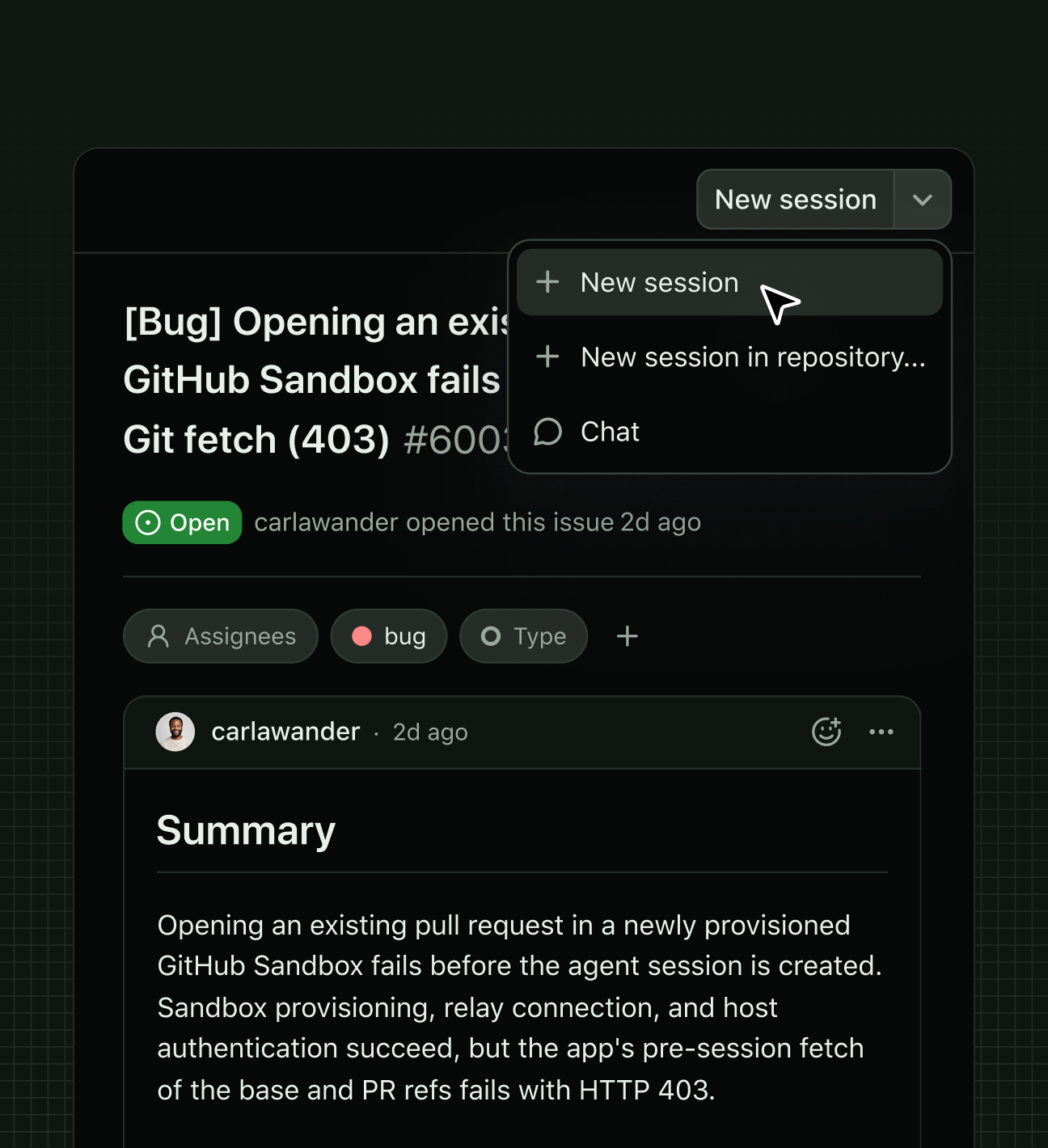
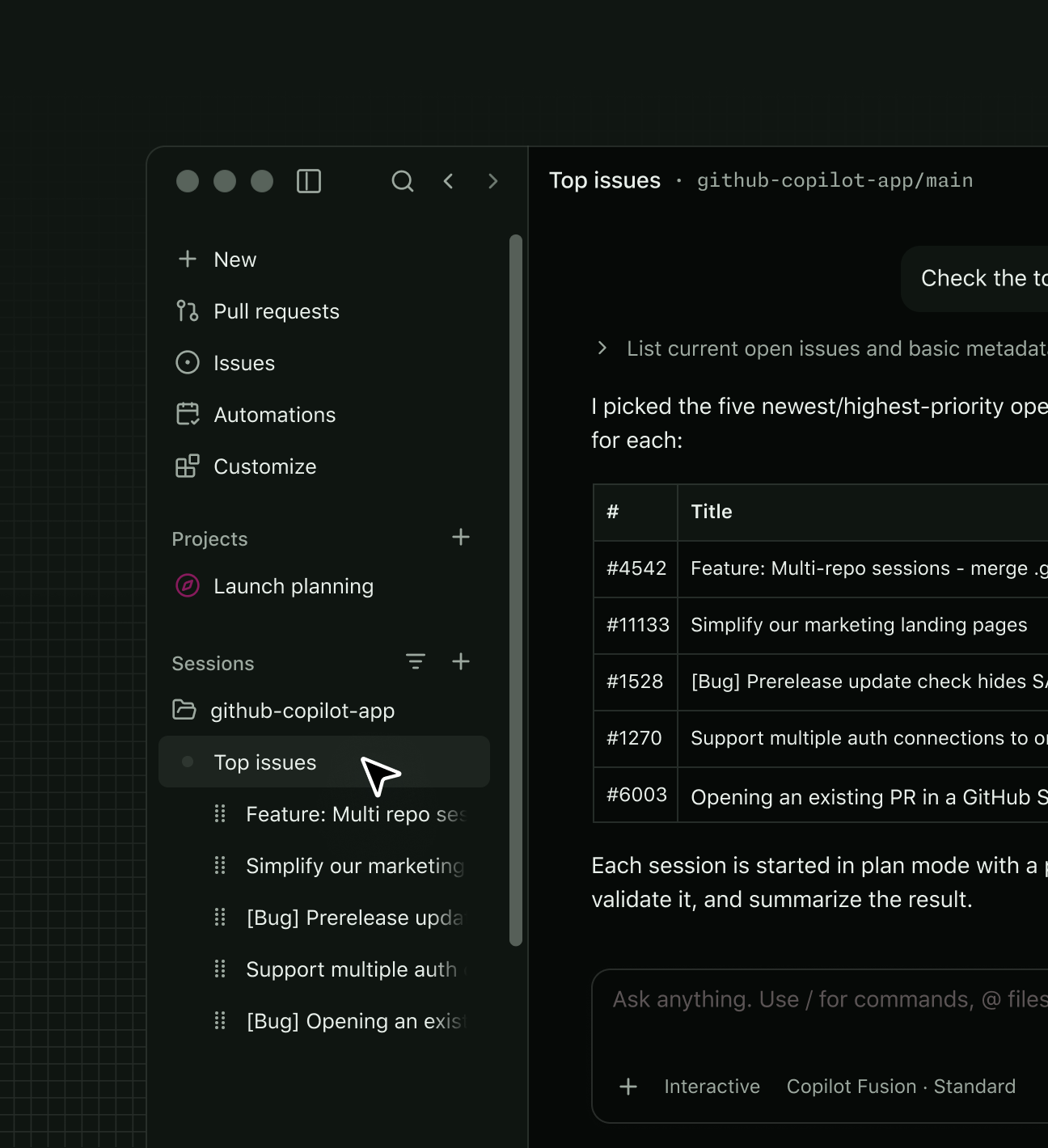
Open an image for the full view. These official product previews, documentation, interfaces and examples may include paid features; check the relevant plan.
Sources
Compiled from the linked official pricing and help pages, not a hands-on product test. Check current features, allowances and rights at the source.
- GitHub Copilot planshttps://github.com/features/copilot/plans
- Quickstart for using GitHub Copilot in your IDEhttps://docs.github.com/en/copilot/get-started/quickstart-for-using-github-copilot-in-your-ide
- GitHub Copilot — Copilot official task-session examplehttps://github.com/features/copilot
Tool Info
Has this tool changed? Help us keep it up to date
GitHub Copilot Reviews
Loading reviews…