
A legacy Diagram design-plugin listing. Figma acquired Diagram; current standalone Magician access and pricing were not verified.
Pricing not listedDesign & Creative
5 tool entries
Decide what you need to hand over: an editable UI mockup, a prototype or a finished visual. Uizard, Figma and Canva serve different workflows. Generated screens are not a deployed app, and a visual preview does not prove an editable deliverable.
All 5 entries in this category, sorted by name.
Start with a deliverable you can inspect. For a UI mockup, test whether you can edit individual elements and hand off the file. For a visual draft, check the export format and whether it meets the intended use.
Scroll the table sideways for all limits and official sources.
| Your task | Tool | Why consider it | Conditions and source |
|---|---|---|---|
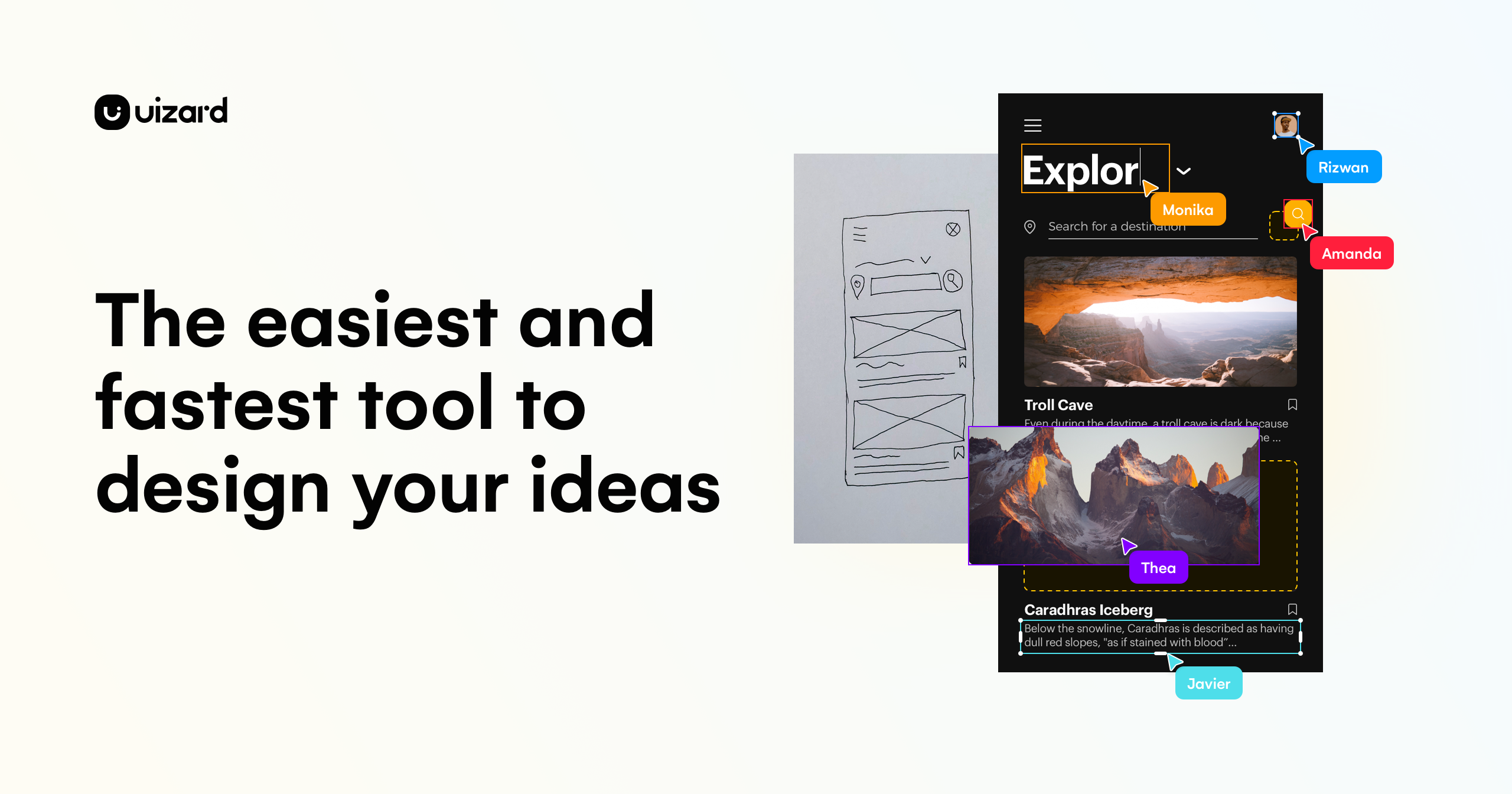
| UI mockups and prototypes | Uizard | Prompt, screenshot and wireframe-based starting designs. | Check project, AI and export limits; implementation is separate.Official source |
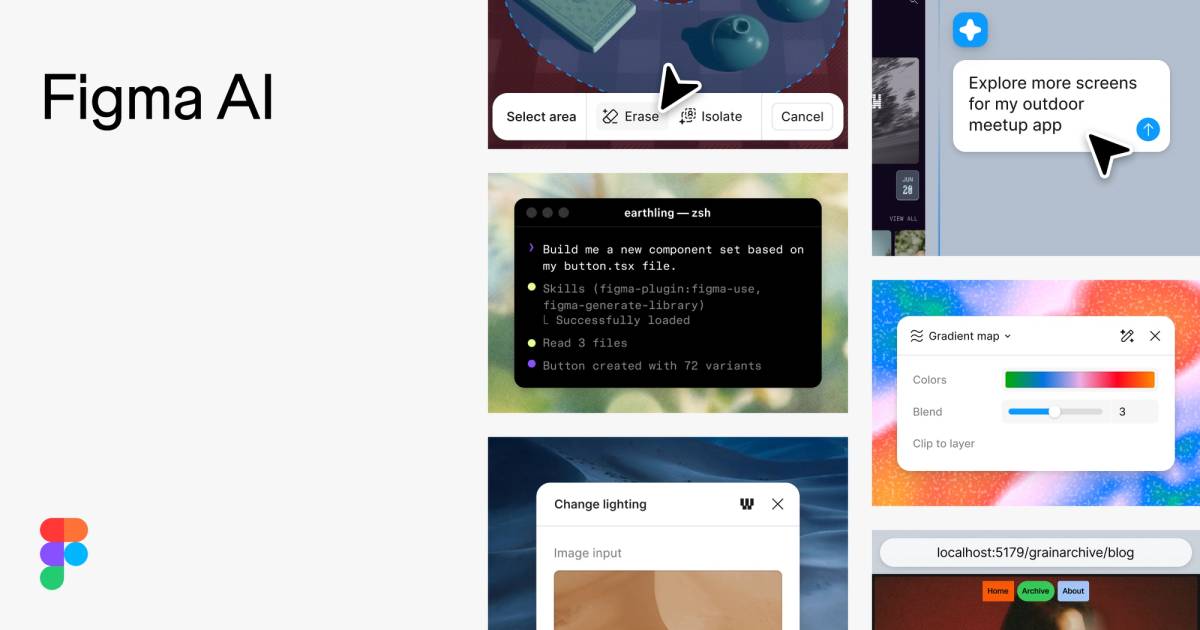
| Collaborative design work | Figma AI | AI-assisted exploration and editing in Figma products. | Check product, seat type and AI credits.Official source |
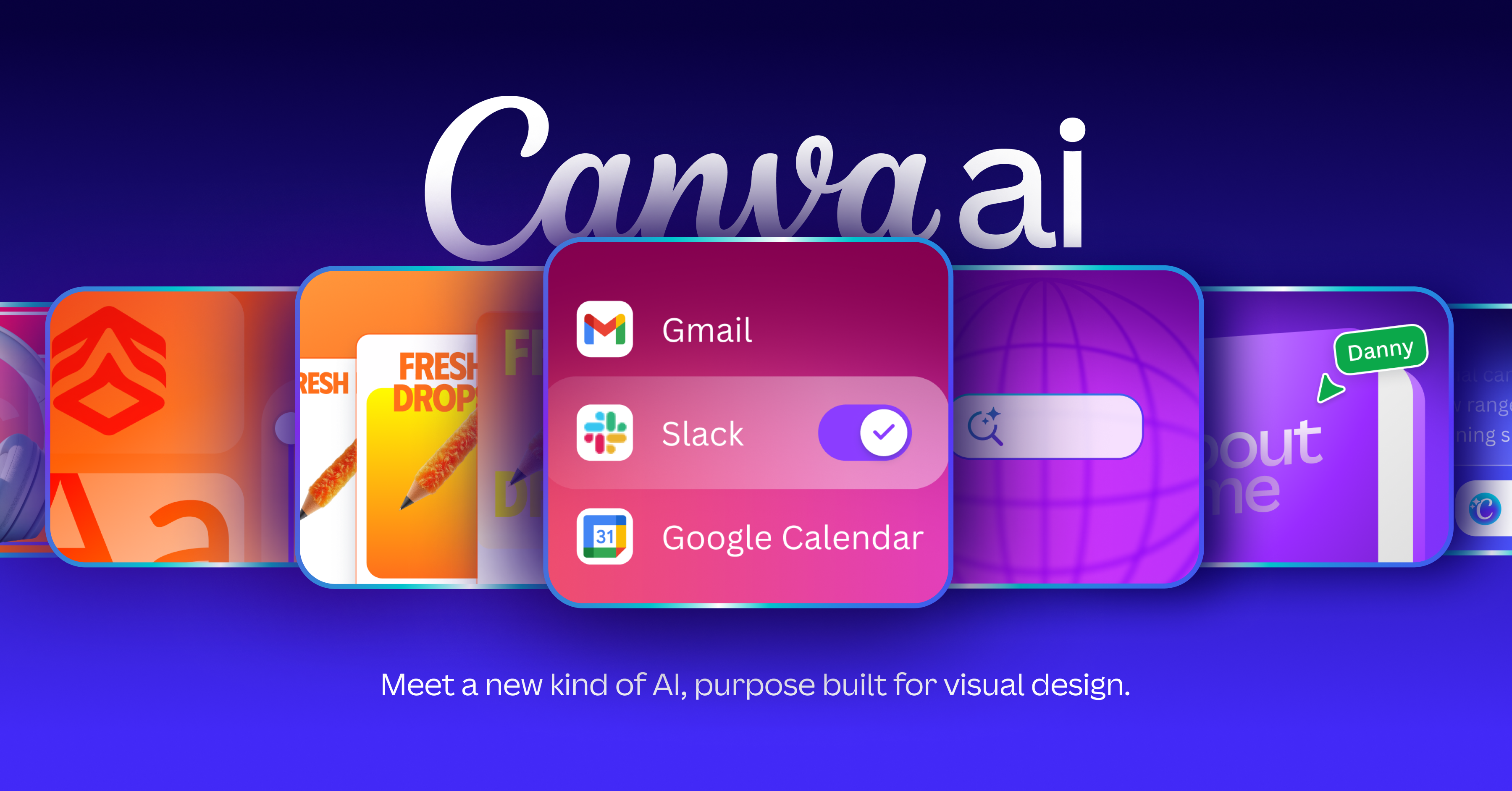
| Visual communication drafts | Canva AI | Conversational design and editing for visual formats. | Assets, AI tools and export formats have plan conditions.Official source |
A legacy Diagram design-plugin listing. Figma acquired Diagram; current standalone Magician access and pricing were not verified.
Use AI within Figma workflows for design exploration, image editing and prototyping. Check the product, seat and credit requirements.
Create UI mockups from prompts, screenshots or wireframes, then edit and connect screens. Check AI, project and export limits.
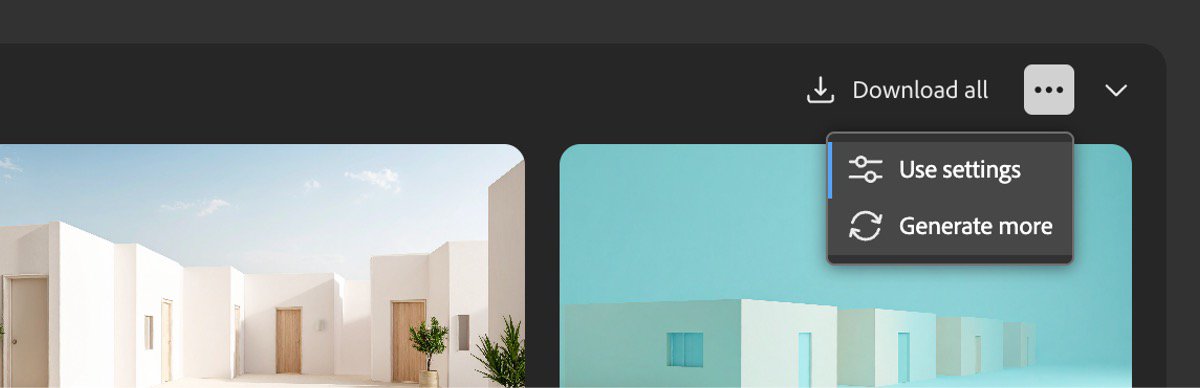
Adobe’s AI creation workspace for images, video and audio, with limited daily free generations.
What's free: Generate images using the ongoing free allowance.
Limits: Daily generations are limited; premium models and features may require credits.
Signup requiredUseful for exploring image ideas with Adobe's own creation tools.
Official pricing checked: · Not a hands-on test
Official plan & conditions ↗Create and revise visual designs through conversation, with Canva’s image, writing and editing tools. Feature access depends on the plan.
No. Check the tool’s output type and implement missing behavior separately.
Current standalone access was not verified; its detail page records the legacy context.
Selection advice based on official documentation, without a comparative performance test. Sources checked: