What is Uizard?
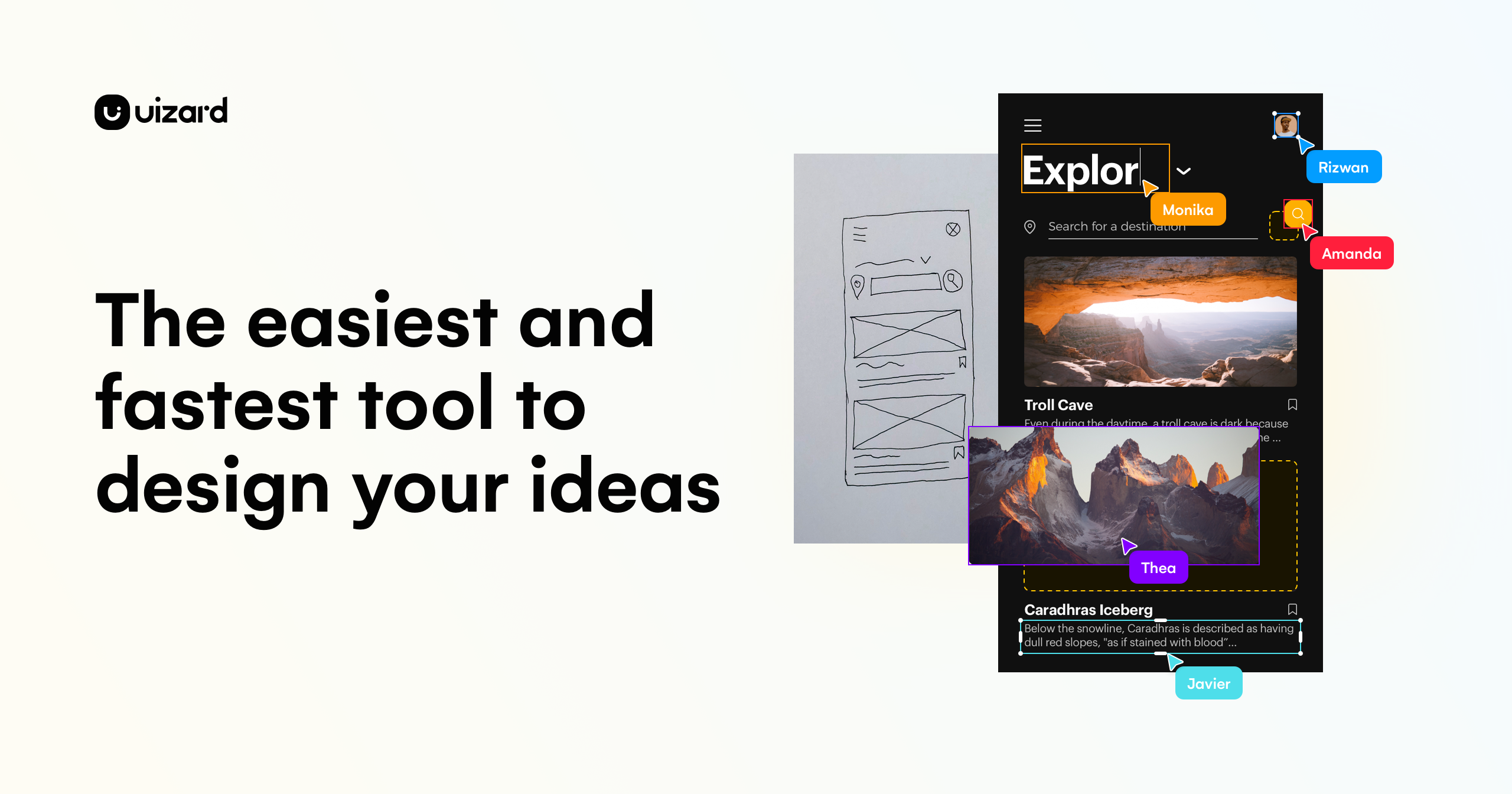
Uizard focuses on interface mockups and prototypes. Autodesigner creates starting screens, while screenshot and wireframe tools help turn visual references into editable designs; the output still needs review and implementation.
Official website: uizard.ioCan your Uizard plan turn a screenshot into a mockup?
Decide whether you need a new wireframe or an editable copy of an existing screen. For the second task, check Screenshot Scanner access on the plan page. Uizard’s guide shows how to import a screenshot and choose its screen type.
- Test one screenshot and try editing its heading, a button, and the spacing between sections.
- Count the projects and teammates that need access before comparing paid tiers.
Limits to check before you start
- An interactive mockup is not a finished application.
- AI generations, projects and export access vary by plan.
What can you use it for?
- Prepare a clickable concept for feedback.
- Turn a rough wireframe into an editable layout.
Who is it for?
- Product teams and founders preparing an interface concept.
How to use it
- Describe the app and the screens you need.
- Generate or import a reference and edit the layout.
- Link the screens and review the prototype flow.
Core features
- Generate interface screens from a written brief.
- Convert screenshots or wireframes into editable mockups.
Benefits
- Generate interface screens from a written brief.
Frequently asked questions
Can Uizard import a screenshot?
Its Screenshot Scanner is designed to turn screenshots into editable mockups.
Is a prototype ready to deploy?
No. Review and implement the application separately.
Pricing & plans
Compare the current free and paid plan limits for projects, AI generations and exports before committing a workflow.
View official pricingCompany & contact information
- Company / team
- Uizard
- Official documentation
- https://uizard.io/pricing/
Product images
Open an image for the full view. These official product previews, documentation, interfaces and examples may include paid features; check the relevant plan.
Sources
Compiled from the linked official pricing and help pages, not a hands-on product test. Check current features, allowances and rights at the source.
- Uizard — official product documentationhttps://uizard.io/
- Uizard — official plans and helphttps://uizard.io/pricing/
Tool Info
Has this tool changed? Help us keep it up to date
Uizard Reviews
Loading reviews…