What is Canva AI?
Canva AI combines conversational creation with Canva’s design workspace. You can start from a brief and continue editing the result, while image, writing and connected-context capabilities have their own plan conditions.
Start in Canva when the deliverable is an editable slide deck. If the brief is a product interface, use Figma AI to compare whether the result fits your design and handoff workflow.
Official website: canva.comCan you try a presentation on Canva Free?
Create a Presentation in Canva, open the Design tab, and enter a short brief in English. Preview a Magic Design template, add it to the editor, then edit a title and swap an image before building the rest of the deck.
- Canva Free includes limited uses. Applying a suggested template to the editor counts as a use, and a Pro asset may need a separate license or an upgrade.
Limits to check before you start
- A free Canva account does not unlock every AI feature.
- Assets, connected apps and export options have separate conditions.
What can you use it for?
- Draft a presentation layout.
- Adapt a visual concept for a social post.
Who is it for?
- People creating presentations, social graphics and visual drafts.
How to use it
- Describe the format, audience and visual goal.
- Generate a starting design and edit its elements.
- Check assets, plan requirements and export settings.
Core features
- Turn a text or voice brief into an editable design workflow.
- Use available image, writing and design assistance.
Benefits
- Turn a text or voice brief into an editable design workflow.
Frequently asked questions
Can I edit the result after generation?
The workflow continues in Canva’s design environment; check the selected output format.
Does a Free account include everything?
No. Check each AI feature’s plan and usage conditions.
Pricing & plans
Canva has free and paid plans, with feature-specific AI access. Check the exact tool and allowance instead of treating all Canva AI as free.
View official pricingCompany & contact information
- Company / team
- Canva
- Official documentation
- https://www.canva.com/pricing/
Product images
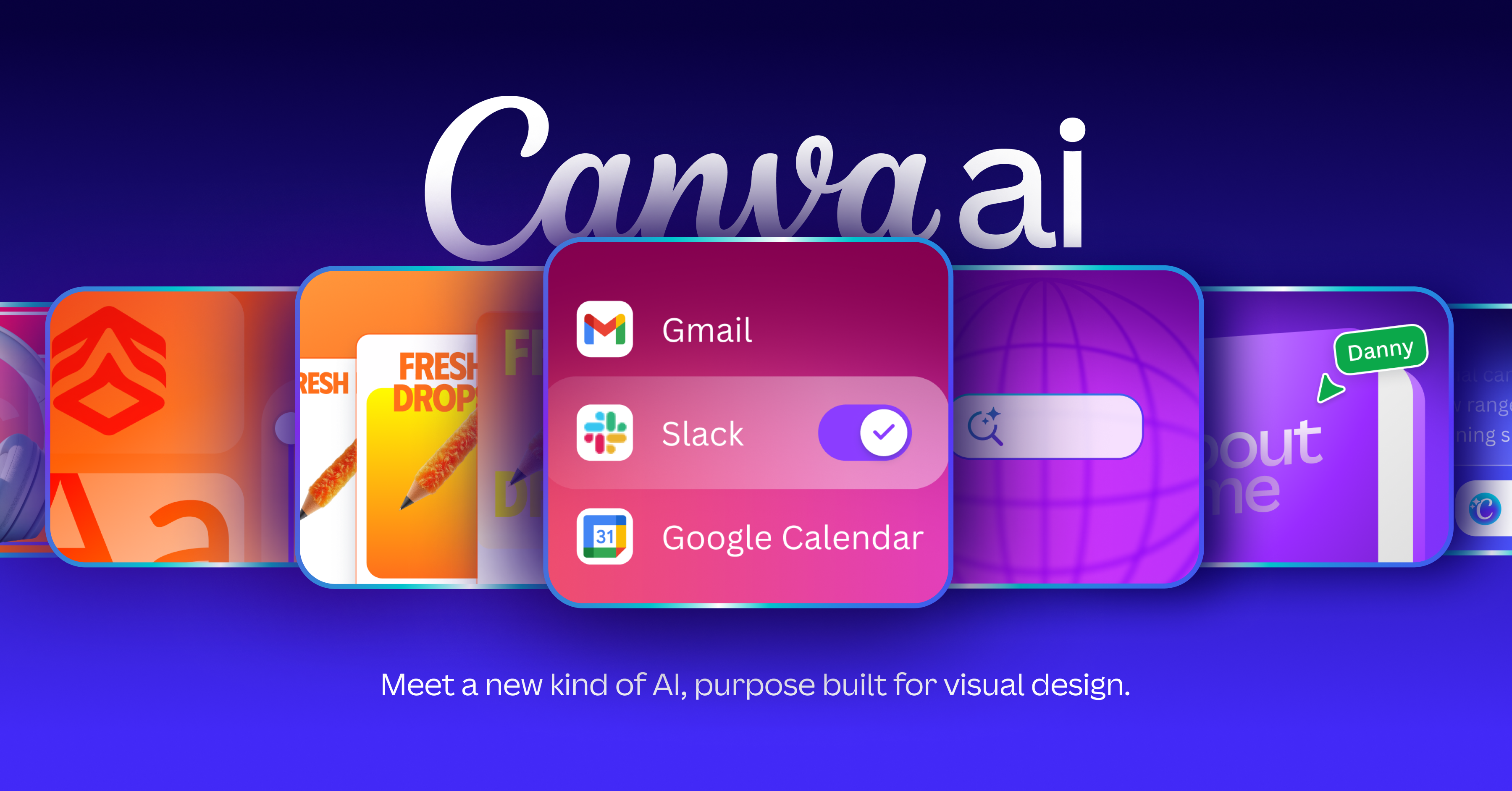
Open an image for the full view. These official product previews, documentation, interfaces and examples may include paid features; check the relevant plan.
Sources
Compiled from the linked official pricing and help pages, not a hands-on product test. Check current features, allowances and rights at the source.
- Canva AI — official product documentationhttps://www.canva.com/magic/
- Canva AI — official plans and helphttps://www.canva.com/pricing/
- Canva AI — Canva AI — publisher-provided product or documentation preview; not a hands-on test.https://www.canva.com/canva-ai/
Tool Info
Has this tool changed? Help us keep it up to date
Canva AI Reviews
Loading reviews…