Featured:AI tools directory– Discover the right AI for your next task

AI marketing tools for content, email, ads and analytics

4 tool entries

Start with your task

Choose the marketing task before choosing software: create content, improve search visibility, send email, run ads, work with CRM data or understand results. Jasper, Copy.ai, Writesonic and Canva cover different production workflows. The official platform options below extend the selection to email, advertising, CRM and analytics; they are not all free or interchangeable.

Category groups and related topics

Tool entry index

All 4 entries in this category, sorted by name.

Compare AI marketing tools by channel and workflow

Choose one workflow such as a campaign brief, an email draft or a reporting question. Compare the output, what needs approval and which features or ad spend are billed separately.

Scroll the table sideways for all limits and official sources.

Tool workflows and plan limitations
Your taskToolWhy consider itConditions and source
Brand-aware campaign contentJasperApply brand voice and product context to marketing content workflows.Check seats, agent access and review controls; a trial is separate from an ongoing free plan.Official source
Repeatable go-to-market workflowsCopy.aiConnect business context and actions in a defined workflow.Check integrations and workflow usage separately from chat access.Official source
SEO and AI-search visibilityWritesonicResearch content and search-visibility opportunities within a marketing workflow.Confirm the available monitoring, content and site limits. A visibility score is not a revenue guarantee.Official source
Creative assets for social and campaignsCanva AIGenerate and refine visual drafts, then edit the design.Check AI allowances, brand features, assets and export conditions for the selected plan.Official source
Email content and campaignsMailchimp AIGenerate email content from existing marketing materials in the email builder.The documented AI email-content feature requires a paid Mailchimp plan. Check audience and sending limits separately.Official source
Search advertisingGoogle Ads AI MaxUse AI-assisted search-term matching and asset optimization in Search campaigns.Ad spend is separate from tool access. Review the campaign, landing pages and budget before activation.Official source
CRM context and customer workflowsHubSpot AIUse customer and company information from the CRM in AI-assisted workflows.Requires the appropriate HubSpot data access and feature entitlement. Check product plans and agent usage.Official source
Understand marketing performanceGoogle Analytics Ask AdvisorAsk questions about data in your Google Analytics property.Beta availability depends on account eligibility; the documentation specifies English. Check the source reports and tracking setup.Official source
Compare 4 listed tools
  • Choose one bottleneck: content, search, email, ads, CRM or reporting.
  • Check whether the platform can access the brand, campaign or customer data it needs.
  • Separate subscription, seat, AI-credit, email-sending and advertising costs.
  • Review generated messages, targeting and approval permissions before publishing.
  • Measure the original task outcome; a generated score or forecast does not prove sales growth.

Filter by price, platform or type

Found 4 toolsCategories: Business & MarketingFilters (1)
Pricing

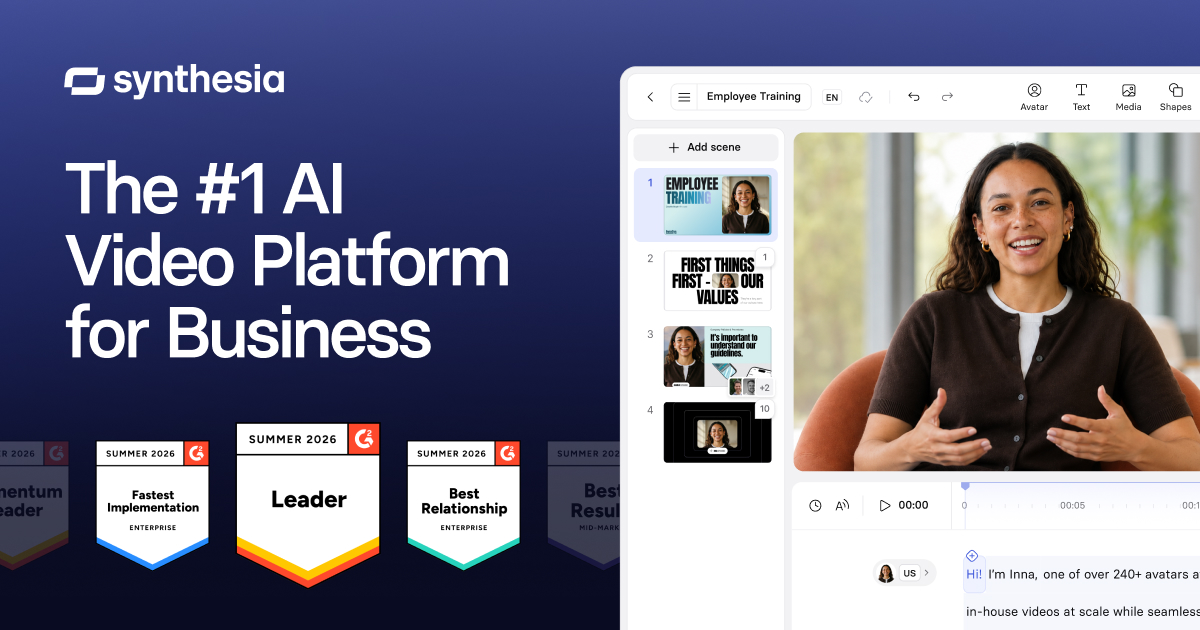
Create avatar-led videos from scripts. Free includes three watermarked videos per month, up to one minute each.

What's free: Create up to three short avatar videos per month.

Limits: Videos are watermarked and limited to one minute each.

Why this tool & pricing source

A recurring allowance for trying a short presenter-led explanation.

Official pricing checked: · Not a hands-on test

Official plan & conditions ↗
Open free plan
Free limits & details

Turn scripts into avatar-led videos with templates and language tools. Free creation, sharing and paid downloads have different limits.

What's free: Create a limited amount of avatar-led video and share it by link.

Limits: Basic has a defined allowance and watermarked output; downloads are a paid-plan feature.

Why this tool & pricing source

For testing a presenter script when link sharing is sufficient.

Official pricing checked: · Not a hands-on test

Official plan & conditions ↗
Open free plan
Free limits & details

Choose with one small task

  1. Pick one channel and record the current task, output and result you want to improve.
  2. Check account access, plan requirements and data connections using the official documentation.
  3. Prepare a small draft or test workflow and review it before sending or spending.
  4. Compare useful output, review effort and measured results before expanding.

Questions before you choose

Can one AI writing tool replace a marketing stack?

No. Drafting content is different from email delivery, ad buying, CRM workflows and measurement. Choose by the task and the data connections you need.

Are these marketing tools all free?

No. AI features may require a paid plan or usage credits; email delivery and advertising may add separate costs. The checked-free filter applies to directory tools with verified free access.

Will an AI platform guarantee more sales?

No. Review its output and measure the actual channel result. Attribution, data quality and execution still affect what you can conclude.

Put the tools to work

Selection advice based on official documentation, without a comparative performance test. Sources checked: