What is Figma AI?
Figma AI spans several Figma products rather than a single standalone generator. The documented workflows help explore and refine designs, while Make and other product surfaces have distinct output and access models.
Official website: figma.comWhere do you start a First Draft in Figma Design?
Open a Figma Design file you can edit. Figma is rolling the workflow into its agent, so check the current documentation for your account’s entry point. Draft one common screen, such as a pricing page, then inspect the resulting text and layout layers.
- Change one button label and rearrange one section in the file to see how much you can reuse.
- Check your seat and remaining AI credits before using repeated prompts to generate the rest of the flow.
Limits to check before you start
- Design files and runnable app output are different deliverables.
- AI access depends on product, seat and credit allowances.
What can you use it for?
- Explore alternative visual directions.
- Refine a prototype before team review.
Who is it for?
- Design and product teams already working in Figma.
How to use it
- Choose the Figma product that matches the output.
- Provide a brief or select content to work on.
- Inspect editability, interactions and handoff requirements.
Core features
- Explore and refine ideas in a design workspace.
- Use product-specific image, prototype and AI workflows.
Benefits
- Explore and refine ideas in a design workspace.
Frequently asked questions
Is Figma AI a separate app?
The current offering spans multiple Figma product workflows.
Does a generated design automatically become production code?
No. Verify the selected product’s output and implementation requirements.
Pricing & plans
Check the current Figma plan, seat type and AI credits for the specific product. Free sign-up does not imply unlimited AI.
View official pricingCompany & contact information
- Company / team
- Figma
- Official documentation
- https://www.figma.com/pricing/
Product images
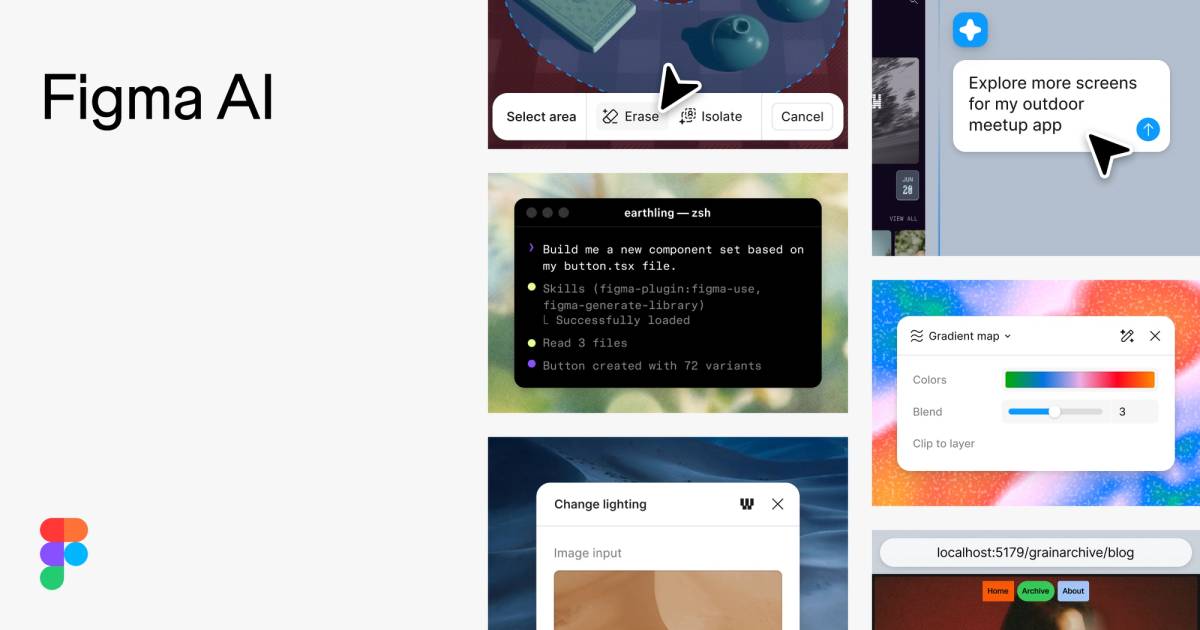
Open an image for the full view. These official product previews, documentation, interfaces and examples may include paid features; check the relevant plan.
Sources
Compiled from the linked official pricing and help pages, not a hands-on product test. Check current features, allowances and rights at the source.
- Figma AI — official product documentationhttps://www.figma.com/ai/
- Figma AI — official plans and helphttps://www.figma.com/pricing/
Tool Info
Has this tool changed? Help us keep it up to date
Figma AI Reviews
Loading reviews…