What is Google Gemini?
Gemini is Google’s assistant for questions, writing and creative tasks. Its free offering includes image generation and editing, Deep Research and Canvas, with access and allowances that depend on the feature.
If your draft needs a separate interactive artifact alongside the chat, compare Claude for that workflow.
Official website: gemini.google.comHow do you use Gemini Canvas for a draft?
In Gemini, open the tools under the prompt box and choose Canvas. Ask for the format you need, then select one passage to edit directly or ask Gemini to revise just that part. Compare the revision with the original before reusing it.
- Try a short draft with one clear requirement, such as keeping all dates and facts intact while shortening the wording.
- Use the share or export options for that draft type and open the result once before handing it off.
Google Gemini: free features & limits
What's free: Get everyday assistance, generate images and work in Canvas.
Limits: Free access has lower usage limits; availability varies by feature and region.
Signup requiredWhy this tool & pricing source
A general assistant for people already using a Google account.
Official pricing checked: · Not a hands-on test
Official plan & conditions ↗Limits to check before you start
- Free access is lower than paid tiers and varies by feature or region.
- A feature in the product does not imply unlimited free use.
What can you use it for?
- Preparing a study outline or iterating on a document in Canvas.
Who is it for?
- Google-account users looking for a general assistant and a document workspace.
How to use it
- Sign in to Gemini with a Google account.
- Ask a question, or choose Canvas and describe your document.
- Select text for changes and review the completed output.
Core features
- Conversational help and image creation.
- Canvas for editing documents, slides, code and apps.
- Deep Research with plan-specific access.
Benefits
- Refine selected text directly in the Canvas workspace.
Frequently asked questions
Does Canvas require sign-in?
Yes. Google’s Canvas guide requires a signed-in Gemini account.
Is paid Google AI required to start?
No. Begin with Free and check availability for the specific task.
Pricing & plans
The Free plan is $0 with a Google account. Google AI subscriptions raise allowances and unlock additional features.
View official pricingCompany & contact information
- Company / team
- Official documentation
- https://support.google.com/gemini/answer/16047321?hl=en
Product images
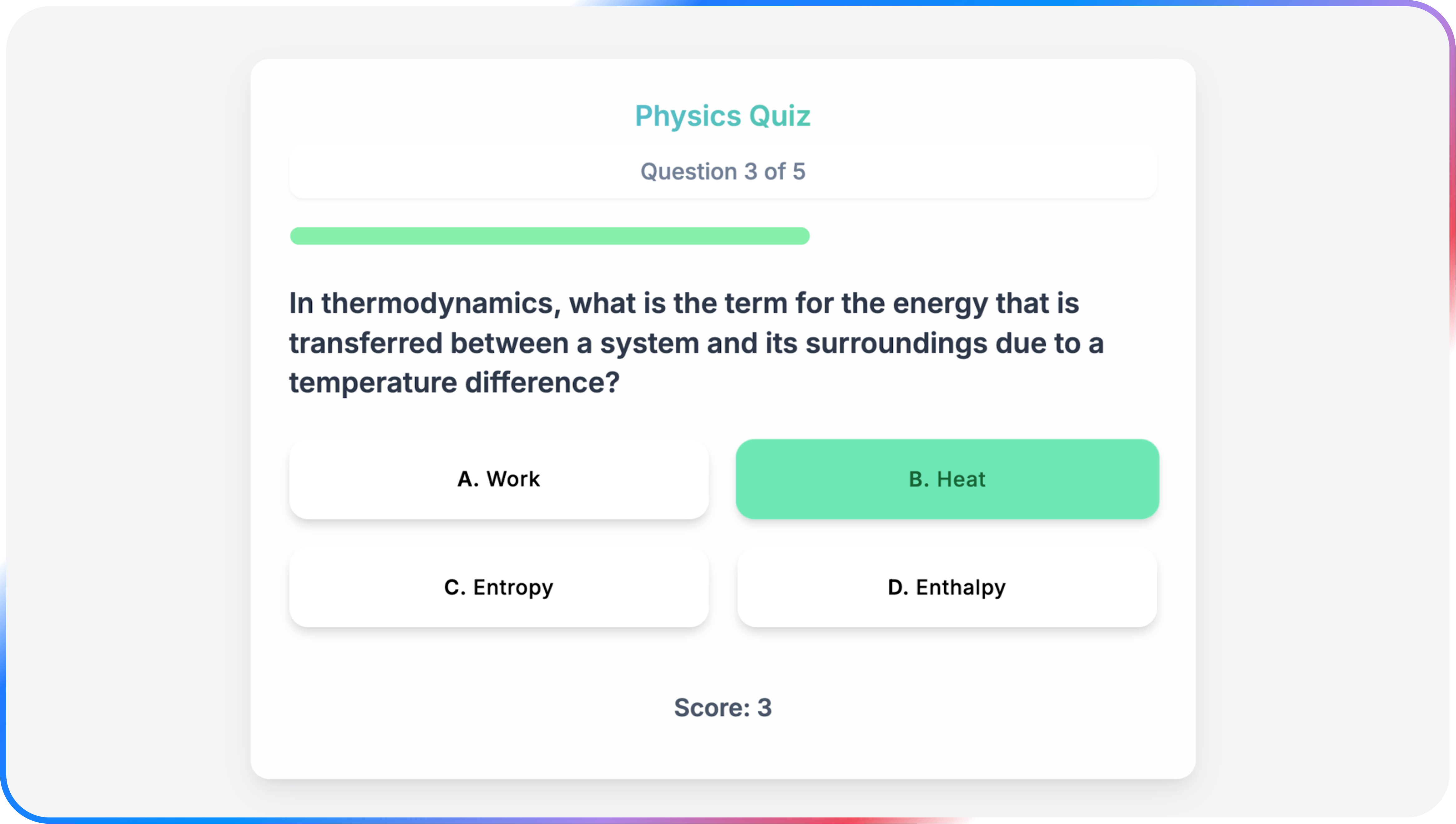
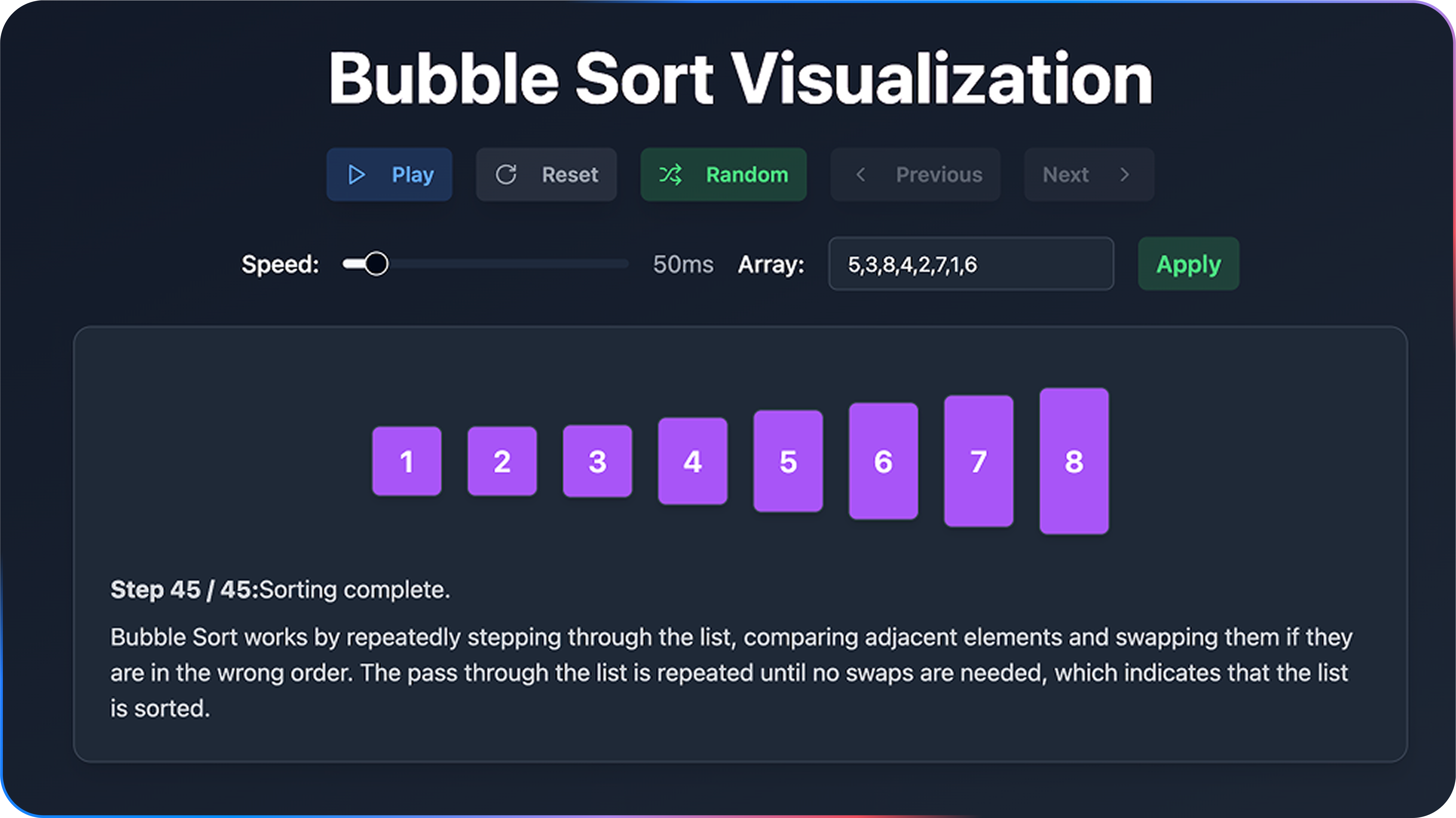
Open an image for the full view. These official product previews, documentation, interfaces and examples may include paid features; check the relevant plan.
Sources
Compiled from the linked official pricing and help pages, not a hands-on product test. Check current features, allowances and rights at the source.
- Gemini subscriptionshttps://gemini.google/subscriptions/
- Create docs, apps & more with Canvashttps://support.google.com/gemini/answer/16047321?hl=en
- Gemini — Canvas interactive quiz example published by Googlehttps://gemini.google/am/overview/canvas/?hl=en
Tool Info
Has this tool changed? Help us keep it up to date
Google Gemini Reviews
Loading reviews…