
ALTERNATIVES
Webflow Alternatives for CMS Sites and Handoff
Compare Webflow alternatives for CMS Sites and Handoff. Check content models, editing access and deployment.
On this page
The short version
| Option | Choose it for | Check first |
|---|---|---|
| HatchIt · AI-built project | Small React/Tailwind sites with owned GitHub code | CMS models, forms and permissions need separate work |
| WEB4 · AI-built project | Design-led page editing and code export | Separate hosting; no complete CMS established |
| Framer · established software | Hosted visual site and CMS editing | Official HTML self-hosting export is unavailable |
| WordPress · established software | Operate a content system and its templates | Hosting, theme compatibility, backups and updates |
An AI-built option
2 projectsEstablished options to compare

Framer
A hosted visual website builder with CMS collections and fields.
A candidate for a hosted design-and-content workflow. Official help does not provide an HTML self-hosting export route.
Visit official site
WordPress
A content system with pages, templates and a Site Editor when a block theme is active.
Compare it when you want to operate the content system yourself. Hosting, updates, backups and theme or plugin choices remain part of the work.
Visit official site HatchIt/Webflow
01Inventory the CMS and services before exporting files.
02A collection CSV is separate from a working content system.
03Assign ownership of the next content update.
Try one workflow before switching
Rebuild one content template and one entry. Ask the person who will maintain the site to publish an edit, then inspect the live route and the underlying handoff files.
List the services behind the page
A site can look like static HTML while depending on CMS collections, form delivery, search, localization or password protection. Webflow’s export documentation excludes these platform services from the downloaded code. Decide which are still required before comparing a frontend generator with a hosted content system.
Three outputs that should be checked separately
| Output | What the docs describe | Remaining work |
|---|---|---|
| Frontend files | HTML, CSS, JavaScript and assets on an eligible Workspace | A Site plan alone does not include this export entitlement |
| CMS data | Collection data can be backed up separately | A CSV is not a working CMS editor or rendered site |
| Live services | Forms, search, access rules and localized content | Choose and validate replacements individually |
Who adds the next article?
For a code-owned marketing site, HatchIt or WEB4 can be relevant starting points. If a non-developer must keep publishing structured content, inspect the Framer or WordPress editor with one representative entry. A reference-URL importer does not demonstrate transfer of CMS relationships, slugs, redirects or editorial permissions.
How to use this comparison
Run the same small workflow in your shortlisted products: keep the input, output and required integration the same. The table records documented scope; it does not report a side-by-side product test.
A few more details
Does exporting Webflow make every feature portable?
No. The publisher lists exclusions including CMS functionality, form processing, search, password protection and localized content. Plan the data and service moves independently.
Are all of these apps AI-built?
Only entries with an original maker record carry that attribution. Established products are listed separately and are not assigned an AI-build label.
Sources & maker notes
The AI-build attribution applies only to products with a linked maker record. Other options use the publisher’s current product documentation; prices and plans should be checked at the source.
- Charles Perez — building WEB4 with Cursor
- WEB4 product site
- HatchIt — original maker build post
- HatchIt product site
- Framer official documentation
- WordPress official documentation
- Framer HTML export and hosting boundary
- Webflow visual CMS
- Webflow code export requirements and exclusions
- WordPress hosting requirements
- WordPress official brand assets
Related guides & projects
View allFramer Alternatives for Publishing and CMS
Compare Framer alternatives for publishing and CMS. Check editable pages, CMS and publishing handoff.
Read moreSoftware Alternatives by Product
Start with a product you use and compare replacement workflows, supported tasks and what you would need to migrate.
Read moreWebsite and Bio Link App Examples
Publish a clear web presence with the content, domain and editing controls your project needs.
Read more From the maker

WEB4
A website design library and visual editor with AI changes, code export and optional hosted publishing.
CursorWEB4 vs Webflow
A frontend website and a running CMS have different migration needs. The smaller builder covers page creation; CMS data, forms, search and publishing permissions remain separate requirements.
Read more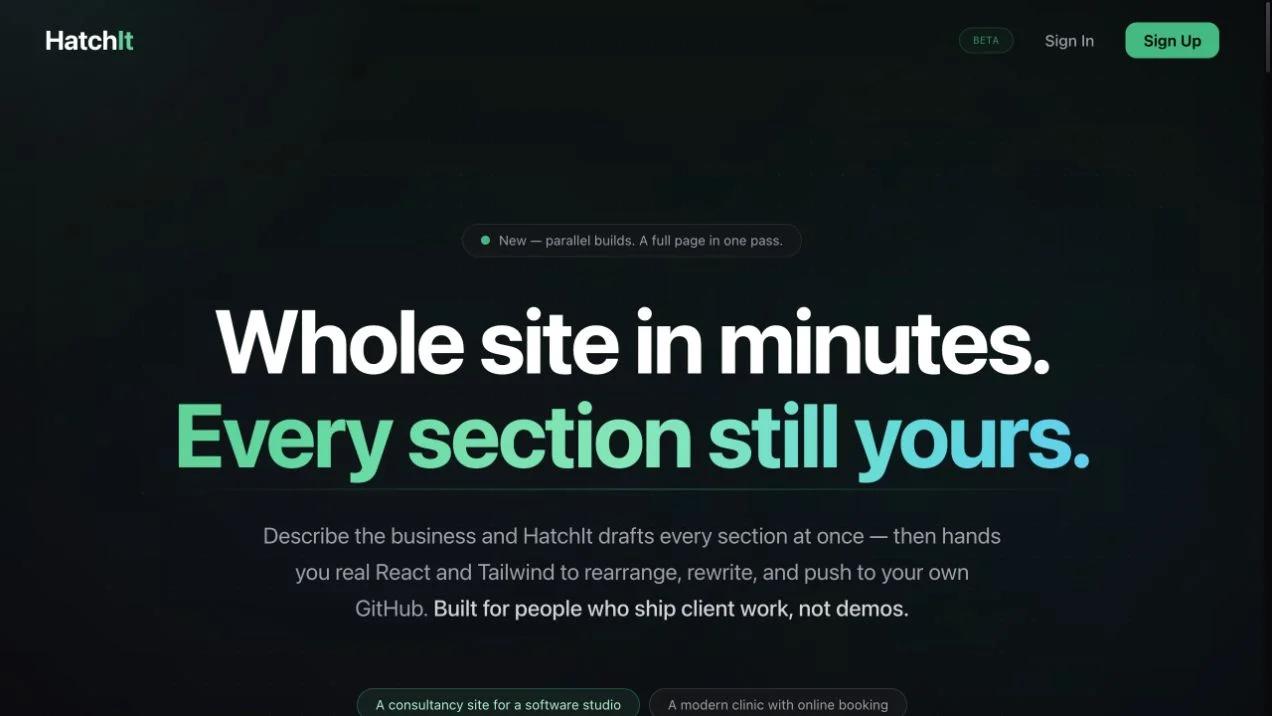 Site capture
HatchIt
An AI-assisted website builder with section editing, multi-page projects, and React/Tailwind code pushed to a user-owned GitHub repository.
Claude