
ALTERNATIVES
Wix Alternatives for Website Building and Maintenance
Compare Wix alternatives for website Building and Maintenance. Check domain, content edits and required integrations.
On this page
The short version
| Option | Useful for | Check before switching |
|---|---|---|
| HatchIt · AI-built project | A multi-page site with code pushed to your GitHub | External deployment and no established Wix app importer |
| WEB4 · AI-built project | Visual page editing and a frontend export route | Hosting and the missing service layer |
| WordPress · established software | Ongoing publishing with themes and plugins | Hosting, maintenance and business plugins |
An AI-built option
2 projectsEstablished options to compare

 HatchItWix
Plan the rebuild around what visitors use
01Keep pages and business services in separate inventories.
02A domain transfer does not export the Wix application.
03Choose for the person who maintains the next edit.
Try one workflow before switching
List the parts visitors actually use, such as a form or a booking step. Rebuild one of those paths and check who can change it after launch and where its submissions go.
List what the site does after it loads
Separate a brochure site from one that runs appointments, memberships or a store. Record the services visitors actually use and the data each service owns. HatchIt and WEB4 are documented choices for creating a smaller frontend. Their sources do not establish a full replacement for every Wix business application.
A domain move is different from exporting a site
Wix explains that its site technology needs to run on Wix servers, while a domain can be managed through another provider. Plan a rebuild rather than assuming an export will reproduce the existing site elsewhere. Keep an inventory of public URLs, content, images and service data; each may have a different migration route.
Who will maintain the next edit?
HatchIt describes a GitHub code-handoff route; WEB4 documents visual editing and frontend export. Compare them with the person who will maintain the site, not only the person generating the first version. A code bundle still needs deployment, forms and any connected services. WEB4 blogging was described as coming soon in the reviewed material, so it is not counted as a complete CMS here.
For a content site, compare the publishing routine
WordPress offers themes, blocks and plugins around an ongoing publishing system. Include the host, update work and any store or booking plugin in the decision. Rebuild one representative page and one content item, then check mobile layout and URL handling before switching the domain. No full Wix migration or production deployment was performed for this comparison.
How to use this comparison
Run the same small workflow in your shortlisted products: keep the input, output and required integration the same. The table records documented scope; it does not report a side-by-side product test.
A few more details
Does owning the frontend also replace Wix Bookings or a store?
It does not establish those services. Identify the replacement for each business workflow and its data separately from the page design.
Are all of these apps AI-built?
Only entries with an original maker record carry that attribution. Established products are listed separately and are not assigned an AI-build label.
Sources & maker notes
The AI-build attribution applies only to products with a linked maker record. Other options use the publisher’s current product documentation; prices and plans should be checked at the source.
Related guides & projects
View all
Webflow Alternatives for CMS Sites and Handoff
Compare Webflow alternatives for CMS Sites and Handoff. Check content models, editing access and deployment.
Read moreSoftware Alternatives by Product
Start with a product you use and compare replacement workflows, supported tasks and what you would need to migrate.
Read moreWebsite and Bio Link App Examples
Publish a clear web presence with the content, domain and editing controls your project needs.
Read more From the maker

WEB4
A website design library and visual editor with AI changes, code export and optional hosted publishing.
CursorWEB4 vs Wix
Compare the website frontend and the services behind bookings, stores and membership separately.
Read more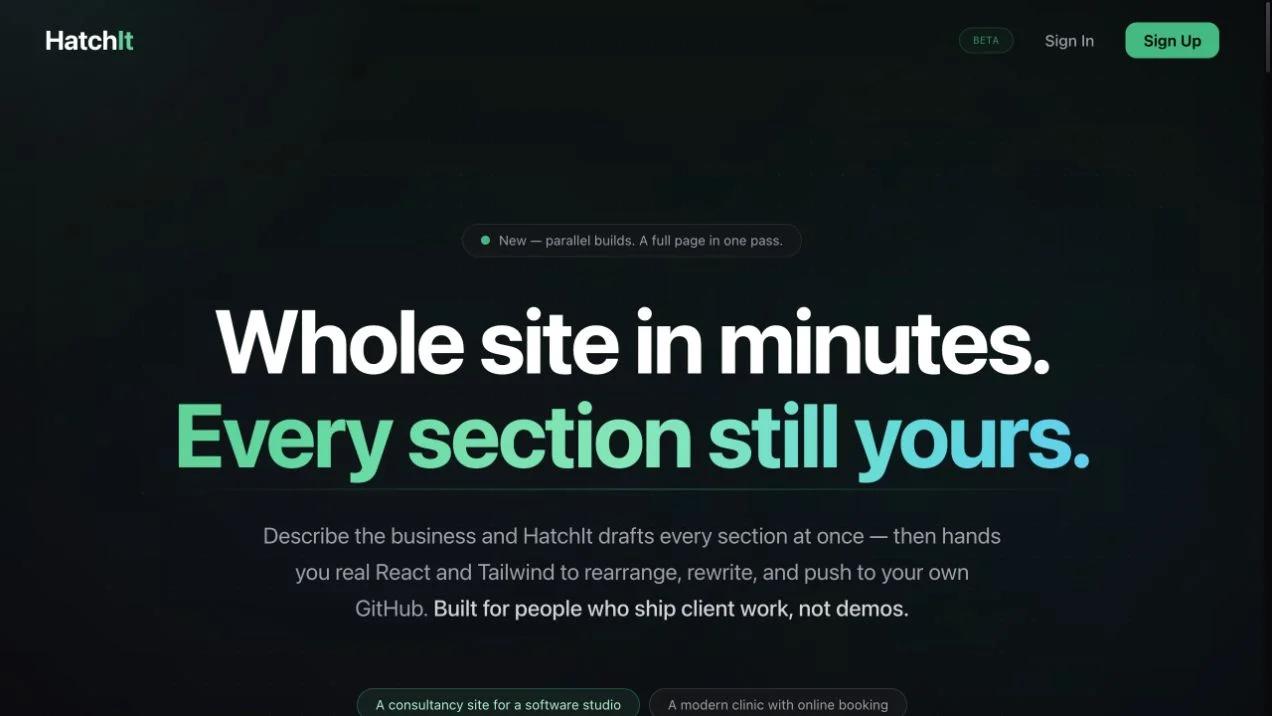 Site capture
HatchIt
An AI-assisted website builder with section editing, multi-page projects, and React/Tailwind code pushed to a user-owned GitHub repository.
Claude