
What is Otter.ai?
Otter turns spoken meetings into transcripts and searchable meeting context. Supported meeting integrations, live capture and file imports have different conditions, so choose the route that matches how your meetings are recorded.
If your team needs to revisit meeting transcripts across calls, compare the capture and storage conditions in Fireflies.ai.
Official website: otter.aiCan Otter Basic cover your meetings this month?
Count live meetings and existing recordings separately. Otter Basic lists 300 monthly transcription minutes, 30 minutes per conversation, and three lifetime audio or video imports. A single long meeting can hit the conversation cap even when your monthly minutes are mostly unused.
- Check the duration of your longest typical call before inviting Otter to a recurring meeting.
- If you are catching up on recorded files, compare import quotas and export options on the plans page.
Otter.ai: free features & limits
What's free: Capture and revisit meeting transcripts with a monthly recording allowance.
Limits: Basic lists 300 monthly transcription minutes and three lifetime audio/video file imports.
Signup requiredWhy this tool & pricing source
For live meeting records when the Basic limits fit your workflow.
Official pricing checked: · Not a hands-on test
Official plan & conditions ↗Limits to check before you start
- Basic file imports are three lifetime uses, not three each month.
- Recording length, exports and advanced workflows vary by plan.
What can you use it for?
- Find a decision in a meeting transcript.
- Prepare a reviewed meeting recap.
Who is it for?
- People who need to revisit meeting decisions and discussions.
How to use it
- Choose a supported meeting or recording method.
- Configure joining and sharing settings before recording.
- Correct key names and verify decisions against the recording.
Core features
- Create live transcripts with speaker identification.
- Use meeting notes and supported AI chat workflows.
Benefits
- Create live transcripts with speaker identification.
Frequently asked questions
Are the three file imports renewed monthly?
No. Basic describes them as lifetime imports.
Should I check the meeting summary?
Yes. Verify names, commitments and decisions before sharing.
Pricing & plans
Basic is an ongoing free plan with 300 monthly transcription minutes. Paid plans expand usage and workflow features.
View official pricingCompany & contact information
- Company / team
- Otter.ai
- Official documentation
- https://otter.ai/pricing
Product images
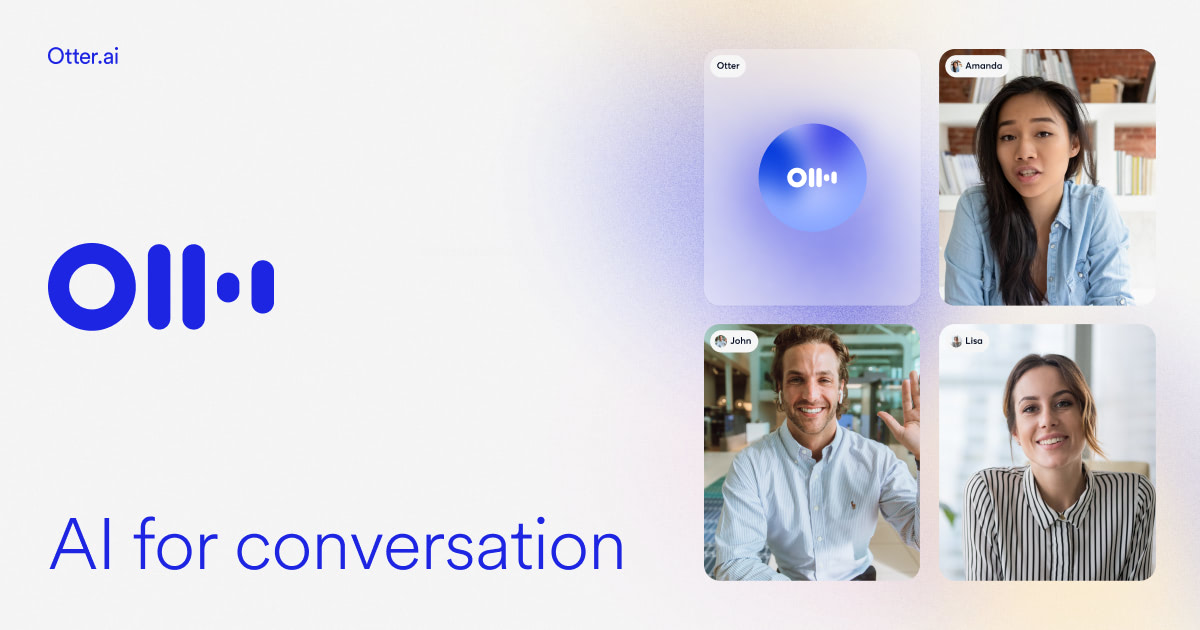
Open an image for the full view. These official product previews, documentation, interfaces and examples may include paid features; check the relevant plan.
Sources
Compiled from the linked official pricing and help pages, not a hands-on product test. Check current features, allowances and rights at the source.
- Otter.ai — official product documentationhttps://otter.ai/
- Otter.ai — official plans and helphttps://otter.ai/pricing
Tool Info
Has this tool changed? Help us keep it up to date
Otter.ai Reviews
Loading reviews…