What is Motion?
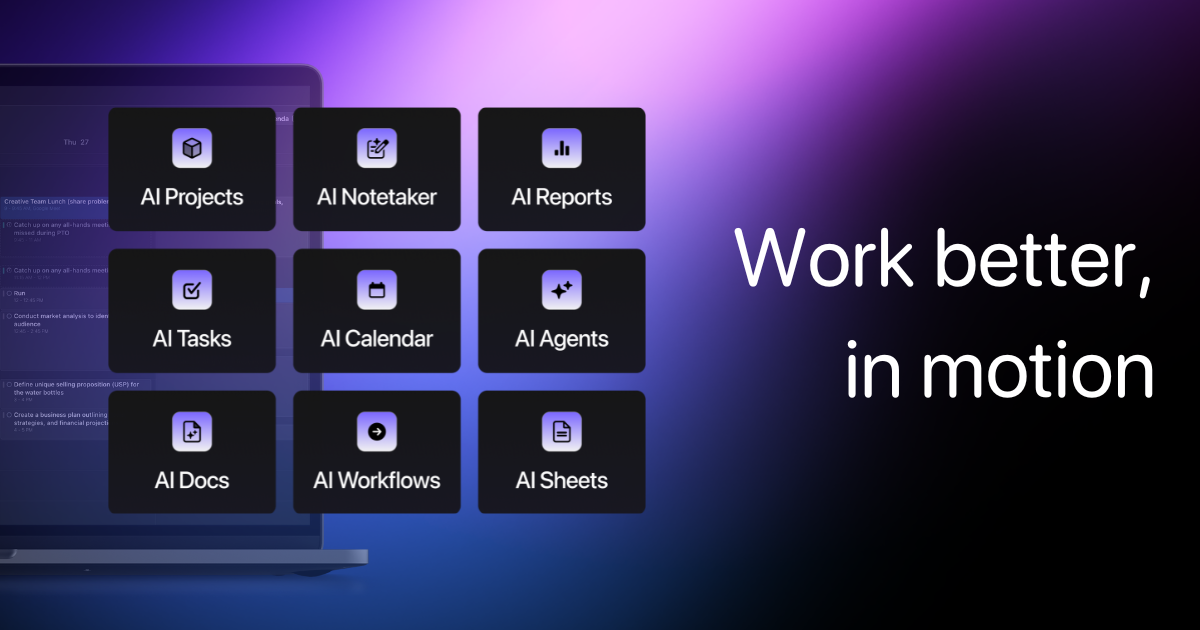
Motion combines project and task management with calendar-based planning. Its current suite also includes meeting notes and document assistance, so compare the scheduling workflow and workspace features you actually need.
Try a week with existing meetings and tasks that have real durations and deadlines. Check which changes you want to keep in the schedule. Explore scheduling app examples
Try Motion when the problem is fitting work around your meetings. If the blocker is finding or summarizing project decisions, try the same handoff with Notion AI before moving the team calendar.
Official website: usemotion.comLimits to check before you start
- Scheduling depends on accurate task estimates and calendar settings.
- Suite features and AI credits vary by plan.
What can you use it for?
- Fit focused work around existing meetings.
- Coordinate project work and deadlines.
Who is it for?
- Individuals and teams coordinating tasks against a real calendar.
How to use it
- Connect an approved calendar and check its permissions.
- Enter task duration, deadlines and priorities.
- Review the proposed schedule and adjust constraints.
Core features
- Plan and prioritize work within calendar availability.
- Connect projects, tasks and supported meeting workflows.
Benefits
- Plan and prioritize work within calendar availability.
Frequently asked questions
Is Motion only a calendar?
No. The suite also covers tasks, projects and supported workspace features.
Can scheduling ignore existing meetings?
Review calendar connections and constraints so the proposed plan respects your availability.
Pricing & plans
The official site advertises a trial and paid plans. Check seats, AI credits and renewal terms; a trial is not a permanent free plan.
View official pricingCompany & contact information
- Company / team
- Motion
- Official documentation
- https://www.usemotion.com/pricing
Product images
Open an image for the full view. These official product previews, documentation, interfaces and examples may include paid features; check the relevant plan.
Sources
Compiled from the linked official pricing and help pages, not a hands-on product test. Check current features, allowances and rights at the source.
- Motion — official product documentationhttps://www.usemotion.com/
- Motion — official plans and helphttps://www.usemotion.com/pricing
Tool Info
Has this tool changed? Help us keep it up to date
Motion Reviews
Loading reviews…