
What is Grammarly?
Grammarly helps refine writing in its editor and supported apps. It identifies language issues and offers revisions, while generative features can draft or rewrite text within the account’s allowance.
When the main task is to rephrase a short passage, compare QuillBot and check the revised text against the original meaning.
Official website: grammarly.comDo you need Grammarly Pro for the edits you make?
Start with free proofreading on a draft you already understand. If you need suggested changes to tone or one-click sentence rewrites, look up those features under the current Pro plan. Grammarly’s help center explains how the older Premium plan relates to Pro.
- Use a real sentence with a commitment or deadline. Confirm that the proposed change preserves both.
- Check whether the edits you need are available in the editor or browser extension you use most.
Grammarly: free features & limits
What's free: Check grammar, spelling and writing tone, with limited AI prompts.
Limits: Free and Pro rewriting features differ; Free lists 100 AI prompts.
Signup requiredWhy this tool & pricing source
For revising an existing passage before sharing it.
Official pricing checked: · Not a hands-on test
Official plan & conditions ↗Limits to check before you start
- Free and Pro do not include the same rewriting features.
- Detector and editing suggestions are not proof of authorship or accuracy.
What can you use it for?
- Polish a client email before sending.
- Check clarity and consistency in a draft.
Who is it for?
- People proofreading emails, documents and everyday professional writing.
How to use it
- Open a draft in a supported writing surface.
- Inspect each grammar or tone suggestion in context.
- Accept changes that preserve the intended meaning.
Core features
- Check spelling, grammar and writing tone.
- Rewrite passages with plan-dependent AI assistance.
Benefits
- Check spelling, grammar and writing tone.
Frequently asked questions
Can I use basic Grammarly without paying?
Yes. The Free plan includes basic writing checks with a limited AI allowance.
Should I accept every suggestion?
No. Read the surrounding passage and keep your original meaning.
Pricing & plans
An ongoing Free plan is listed. Pro and Enterprise expand features and AI allowances; a Pro trial is separate from Free.
View official pricingCompany & contact information
- Company / team
- Grammarly
- Official documentation
- https://www.grammarly.com/plans
Product images
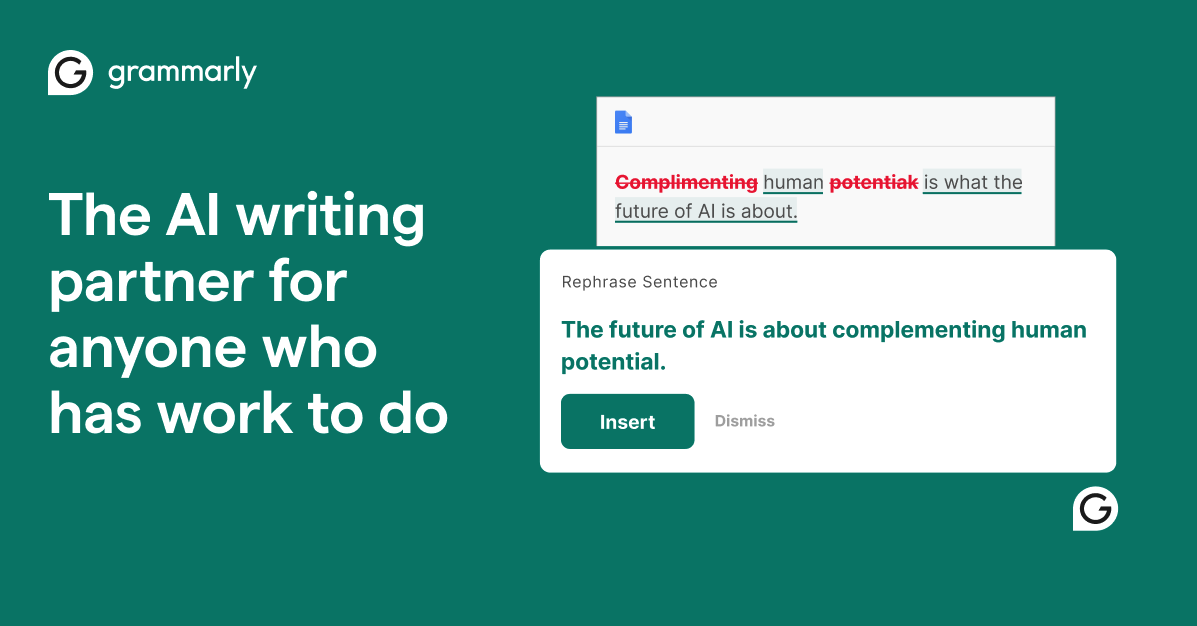
Open an image for the full view. These official product previews, documentation, interfaces and examples may include paid features; check the relevant plan.
Sources
Compiled from the linked official pricing and help pages, not a hands-on product test. Check current features, allowances and rights at the source.
- Grammarly — official product documentationhttps://www.grammarly.com/
- Grammarly — official plans and helphttps://www.grammarly.com/plans
Tool Info
Has this tool changed? Help us keep it up to date
Grammarly Reviews
Loading reviews…