
ALTERNATIVES
LightCraft vs Adobe Lightroom
Compare a small camera-file and library workflow, including RAW coverage and retained editing decisions.
On this page
LightCraft/ Adobe Lightroom
01Choose one representative input.
02Inspect the editable state and final output.
03Retain the source before a wider move.
The shared task
Compare a small camera-file and library workflow, including RAW coverage and retained editing decisions.
The documented working scope
- Develop images with light, colour, tone curves, grading and documented masking controls.
- Organize images with folders, albums, ratings, labels and comparison views.
- Keep editing settings separate from original images and export developed results.
The requirements to check
- The publisher marks the product alpha and documents incomplete camera-colour calibration and model-specific RAW coverage.
- Some unsupported RAW variants use an embedded JPEG preview. An image appearing on screen is not proof that sensor data was decoded.
- No camera-file trial, Lightroom catalog import or colour-accuracy benchmark was performed here; optional AI models need separate setup.
Keep the next edit possible
Keep the original source and the editable working version while checking a small output. Use the complete brand guide for the other options and the product record for its published sources.
Sources & maker notes
Related guides & projects
View all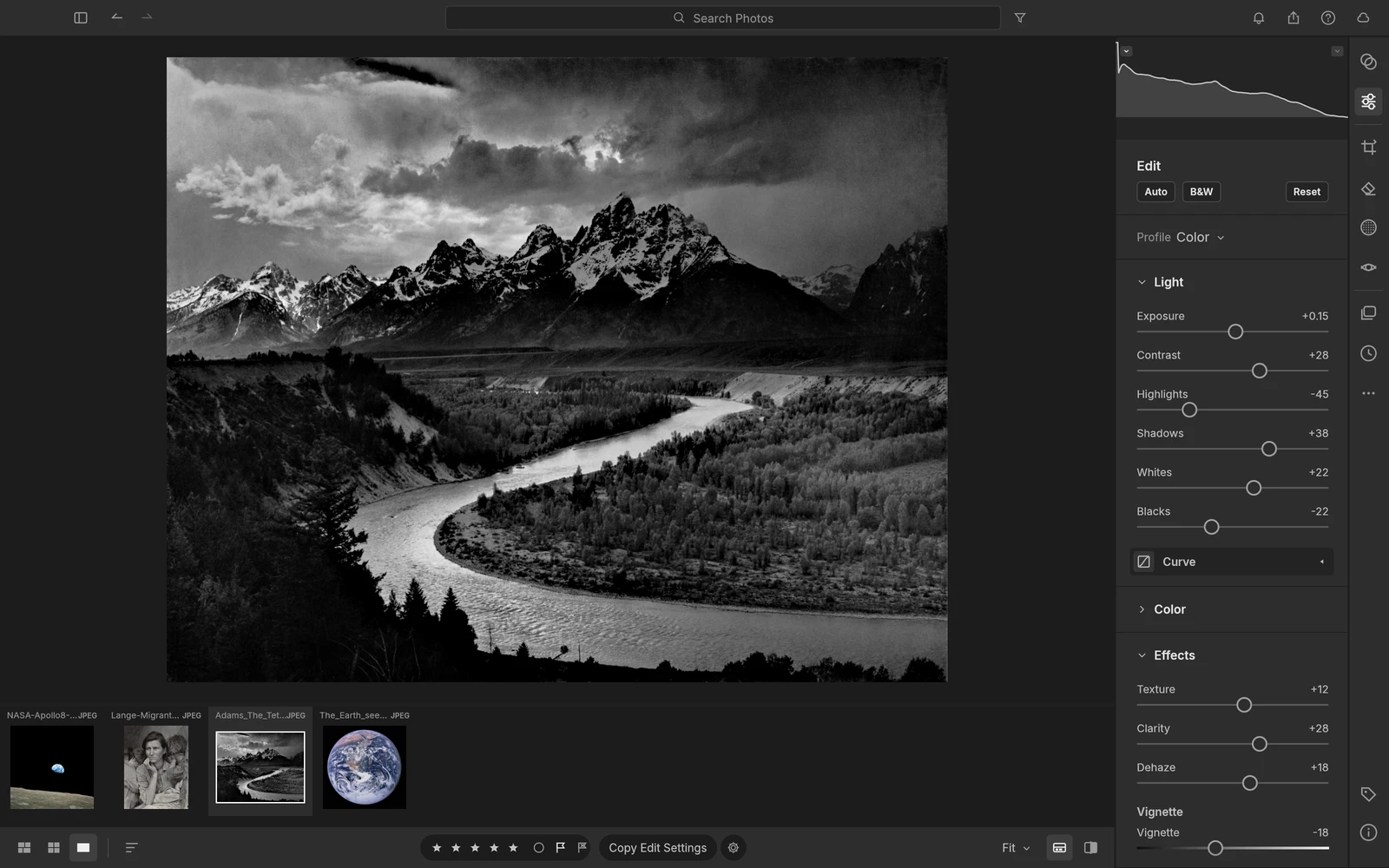 From the maker
LightCraft
An alpha photo library and RAW developer with non-destructive edits, masks, ratings and local image organization.
ClaudeAdobe Lightroom Alternatives for RAW Editing and Photo Libraries
Compare Adobe Lightroom alternatives for RAW Editing and Photo Libraries. Check camera compatibility, library organization and edit handoff.
Read moreDesign and Content App Examples
Choose a focused tool for visual assets, recording, editing or publishing.
Read moreHow vibeforthat Reviews Sources
Understand the difference between a discovery lead, a maker build record and an independently tested product.
Read more