
ALTERNATIVES
Google Forms Alternatives for Forms and Response Exports
Compare Google Forms alternatives for forms and Response Exports. Check question types, respondent access and response destinations.
On this page
The short version
| Option | Choose it for | Check first |
|---|---|---|
| DummyForms · AI-built project | Create and share forms; manage submissions | Current exports, branching and quotas are not established |
| Tally · established software | Document-style editing, conditional logic and integrations | Plan terms for branding, domains and team needs |
| Typeform · established software | Forms, embeds and documented response notifications | Current response allowances and required integrations |
An AI-built option
1 projectEstablished options to compare

Tally
A document-style form builder with documented conditional logic, embeds, calculated fields and integrations.
Consider it when the form needs branching or a connection to downstream tools. Check the plan for branding, domains and team features.
Visit official site
Typeform
A form product with documented embeds, response notifications and URL parameters.
Compare its presentation and downstream workflow against your current form. Check current response allowances and plan terms at the publisher.
Visit official siteTally/Google Forms01A signup, a quiz and a payment form are different requirements.
02Preserve the response destination your follow-up depends on.
03Check access settings with the actual published form.
Try one workflow before switching
Recreate one real form with a required field and a representative response. Submit it as a visitor, then inspect how the result arrives in the spreadsheet or other destination you use.
Write down one real form
Take a small event signup: name, email, session, an optional note and consent text. That is a different requirement from a scored quiz, a payment form or a long branching survey. DummyForms has evidence for basic creation, sharing and submission management; advanced logic should not be inferred from that description.
Keep the response destination in view
Google Forms documents response charts and Sheets export. If the spreadsheet drives your follow-up, removing the form without replacing that connection creates extra work. Tally lists a Google Sheets integration; the relevant DummyForms export path was not established. Check the exact fields and downstream columns before changing a live form.
Check the respondent experience
- Open the published form on a phone and complete the same fields, including one invalid answer.
- Check account requirements with the exact file-upload, access and organization settings you need. A public link alone does not answer that question.
- Inspect confirmation, duplicate responses, export and deletion before redirecting existing visitors. These paths were not submitted during this source review.
How to use this comparison
Run the same small workflow in your shortlisted products: keep the input, output and required integration the same. The table records documented scope; it does not report a side-by-side product test.
A few more details
Will switching remove every account requirement?
That depends on the chosen product and form settings, especially uploads and restricted access. This review does not claim an anonymous completion test for all three options.
Can I import my old forms and responses?
No complete import or migration path was established here. Keep a copy of the original questions and responses, and check the destination product’s current import documentation.
Are all of these apps AI-built?
Only entries with an original maker record carry that attribution. Established products are listed separately and are not assigned an AI-build label.
Sources & maker notes
The AI-build attribution applies only to products with a linked maker record. Other options use the publisher’s current product documentation; prices and plans should be checked at the source.
Related guides & projects
View allTypeform Alternatives for Guided Forms and Surveys
Compare Typeform alternatives for guided Forms and Surveys. Check question flow, branching and response exports.
Read moreSoftware Alternatives by Product
Start with a product you use and compare replacement workflows, supported tasks and what you would need to migrate.
Read moreForm Builder App Examples
Create a form, share it and collect responses. Compare the input experience and the work you need to do with the results.
Read more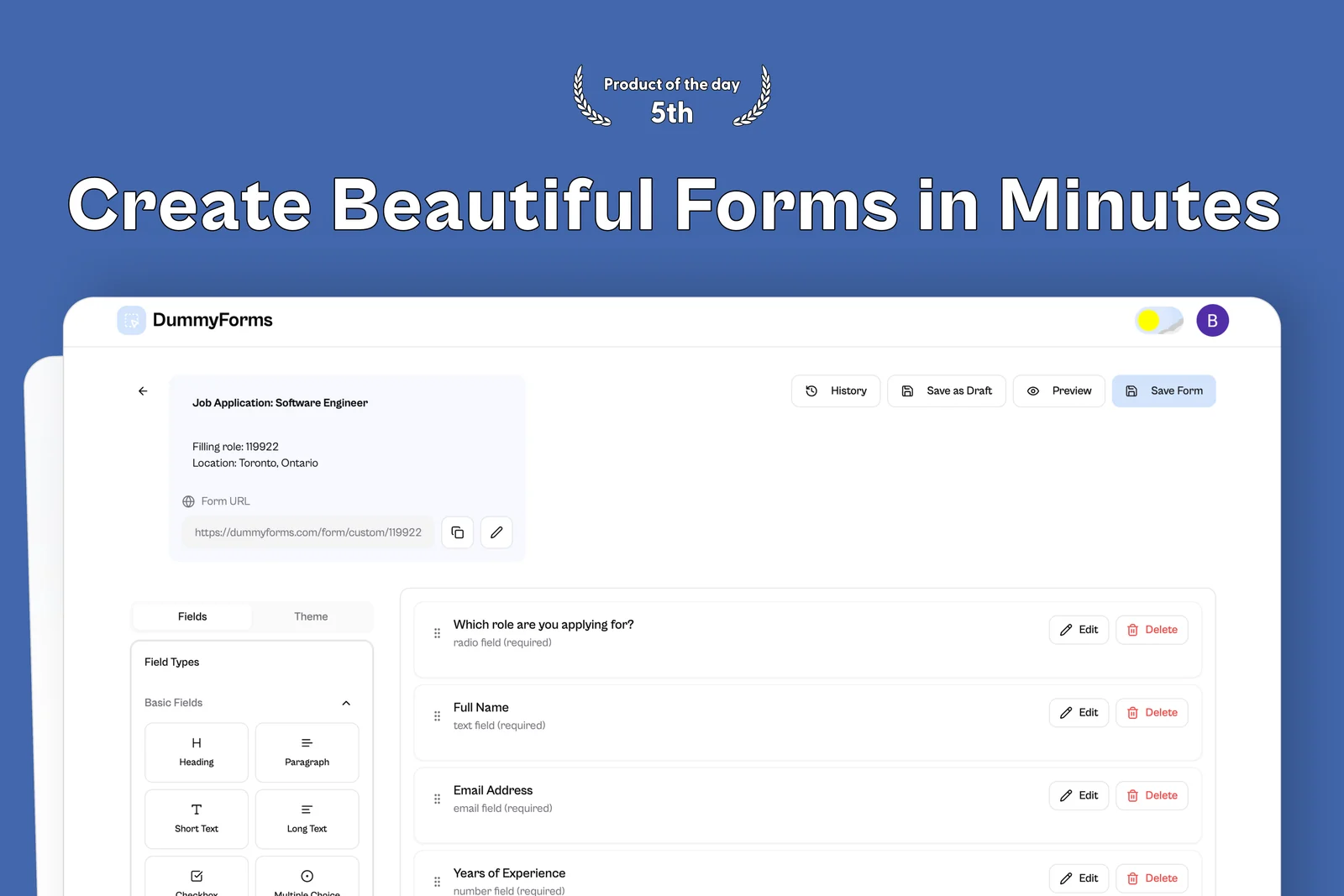 From the maker

DummyForms
A form builder for creating, sharing, and managing online forms and their submissions.
LovableDummyForms vs Google Forms
DummyForms has maker-documented creation, sharing and submission management. Google Forms documents response charts and export to Sheets. That is a reason to check where answers must go before replacing a form already connected to a spreadsheet.
Read moreHow vibeforthat Reviews Sources
Understand the difference between a discovery lead, a maker build record and an independently tested product.
Read more