
ALTERNATIVES
SurveyMonkey Alternatives for Surveys and Response Analysis
Compare SurveyMonkey alternatives for surveys and Response Analysis. Check question logic, distribution and analysis exports.
On this page
The short version
| Option | Useful for | Check before switching |
|---|---|---|
| DummyForms · AI-built project | A short feedback or intake form | No evidence of panels, weighting or research reporting |
| Google Forms · established software | Simple surveys, charts and Sheets analysis | Branch types, access and analysis work |
| LimeSurvey · established software | A questionnaire-focused product and deployment choice | Question behavior, reporting and hosting responsibilities |
An AI-built option
1 projectEstablished options to compare

Google Forms
Hosted forms and surveys with response charts and a Google Sheets route.
Check respondent access and question types; section routing is limited to multiple-choice and dropdown answers.
Visit official siteLimeSurvey
A dedicated survey platform with open-source distribution and a separate hosted service.
Compare the questionnaire, analysis and hosting route. A self-hosted installation still needs ongoing operation.
Visit official site DummyForms/SurveyMonkey
01A feedback form and a research study have different requirements.
02Collection and analysis must fit the same questionnaire.
03Compare hosting work alongside any subscription cost.
Try one workflow before switching
Test one questionnaire with a skip rule and a few sample responses. Inspect the exported data and verify you can answer the question that motivated the survey.
Decide whether this is feedback or research
A small event-feedback form may need only a few questions and a spreadsheet. A study may also depend on sampling, quotas, anonymization and a defined analysis method. Write those requirements down before choosing by price. DummyForms is included for the smaller collection task; its sources do not establish a research platform.
Keep the question path reproducible
Use the same questionnaire text and answer choices when comparing products. Include a person who skips a section and one who reaches the end. Google documents section routing for specific question types. If the survey depends on a more complex rule, establish that behavior in the chosen product rather than assuming that any form builder supports it.
Inspect the data you will analyze
LimeSurvey publishes a dedicated analysis interface; Google Forms provides response charts and a Sheets route. Decide which columns, answer codes and incomplete responses need to reach the analysis stage. A chart screenshot is useful for orientation, but it does not verify your statistical method or reproduce an existing SurveyMonkey report.
Separate software, hosting and respondent access
LimeSurvey has an open-source distribution and a separate hosted service. Self-hosting changes who operates the system; it does not remove the work of backups, availability and updates. For a hosted form, check current response limits and who can open it. Keep pricing and any specialized research requirements tied to the current plan documentation.
How to use this comparison
Run the same small workflow in your shortlisted products: keep the input, output and required integration the same. The table records documented scope; it does not report a side-by-side product test.
A few more details
Is a basic form builder enough for market research?
Only if its documented collection and analysis scope matches the study. This review does not establish sampling panels, weighting or advanced research reporting for DummyForms.
Are all of these apps AI-built?
Only entries with an original maker record carry that attribution. Established products are listed separately and are not assigned an AI-build label.
Sources & maker notes
The AI-build attribution applies only to products with a linked maker record. Other options use the publisher’s current product documentation; prices and plans should be checked at the source.
Related guides & projects
View allGoogle Forms Alternatives for Forms and Response Exports
Compare Google Forms alternatives for forms and Response Exports. Check question types, respondent access and response destinations.
Read moreSoftware Alternatives by Product
Start with a product you use and compare replacement workflows, supported tasks and what you would need to migrate.
Read moreForm Builder App Examples
Create a form, share it and collect responses. Compare the input experience and the work you need to do with the results.
Read more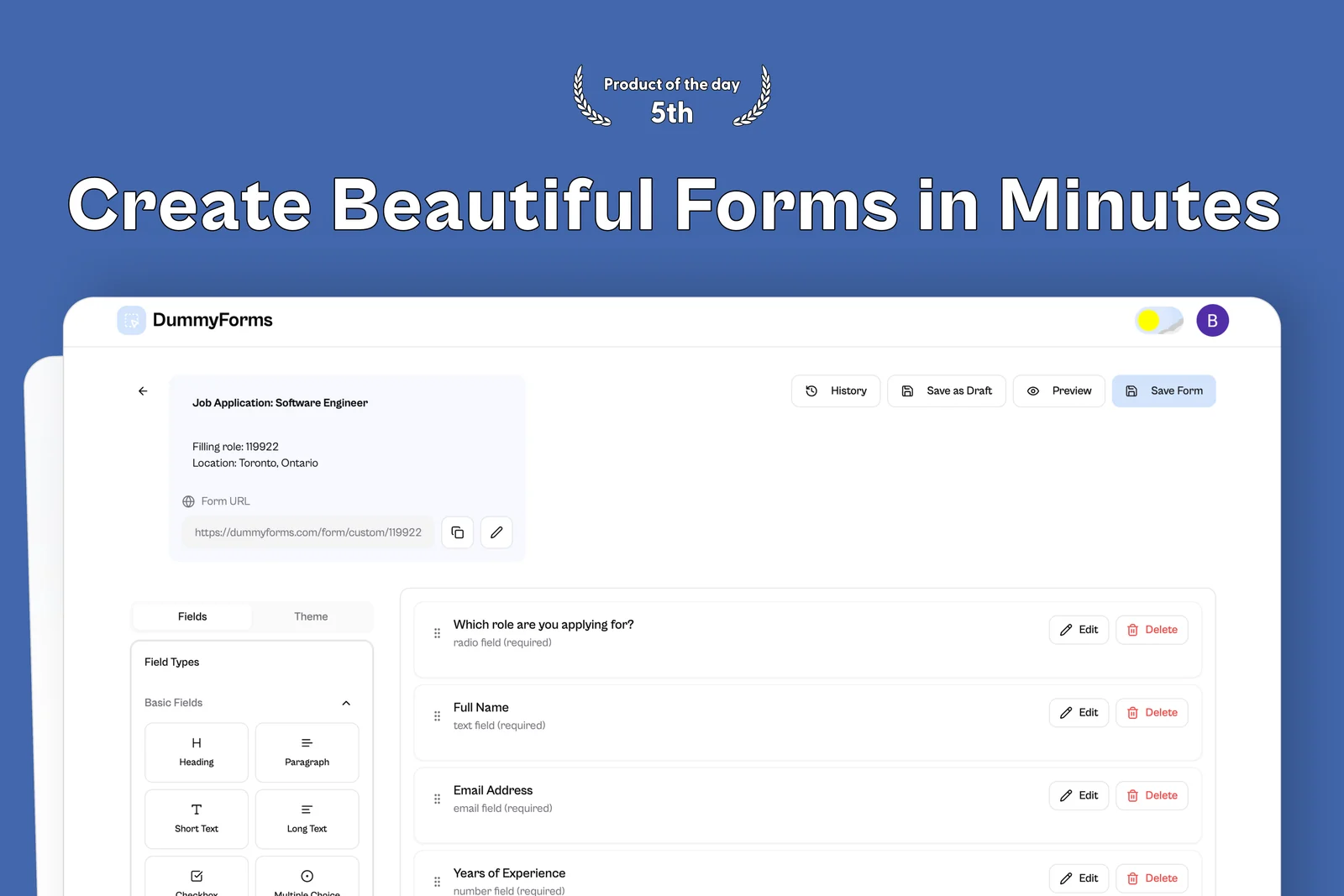 From the maker
DummyForms
A form builder for creating, sharing, and managing online forms and their submissions.
LovableDummyForms vs SurveyMonkey
Compare a small feedback form with the requirements of a research questionnaire.
Read moreHow vibeforthat Reviews Sources
Understand the difference between a discovery lead, a maker build record and an independently tested product.
Read more