
ALTERNATIVES
Jotform Alternatives for Conditional Forms and Workflows
Compare Jotform alternatives for conditional Forms and Workflows. Check branching, submission handling and integrations.
On this page
The short version
| Option | Useful for | Check before switching |
|---|---|---|
| DummyForms · AI-built project | Build, share and manage a simple intake form | No tested payment, PDF or approval parity |
| Tally · established software | Document-style editing and conditional branches | Required integrations and payment setup |
| Google Forms · established software | Responses that continue into Google Sheets | Respondent access and limited branch types |
An AI-built option
1 projectEstablished options to compare

Tally
Document-style forms with conditional visibility and page routing.
Rebuild one representative branch. Payment collection and integrations need their own checks.
Visit official site
Google Forms
Hosted forms and surveys with response charts and a Google Sheets route.
Check respondent access and question types; section routing is limited to multiple-choice and dropdown answers.
Visit official site DummyForms/Jotform
01Follow a response into the downstream business workflow.
02Test conditional paths with the same questions.
03Payments, PDFs and signatures need separate verification.
Try one workflow before switching
Test both sides of one conditional question and compare the records they produce. If a submission starts a payment or a document step, test that handoff with sample data too.
Follow one submission all the way through
List what happens after someone presses Submit: a row in a sheet, a payment, a PDF, a notification or an approval. Jotform describes products beyond its form editor. DummyForms has evidence for form creation, sharing and submission management; its smaller scope is most relevant when those are the steps you actually use.
Rebuild a branch, including the path people skip
Tally documents showing and hiding blocks, page jumps and conditional outcomes. Google Forms routes users to sections from multiple-choice and dropdown answers. Test the ordinary path and the answer that hides a required field. A visually similar form can still collect different data if its branches behave differently.
Payments and documents need separate decisions
Tally has a documented Stripe payment route, but that does not establish a replacement for every Jotform payment integration. Likewise, a form response is not a generated PDF or a signed document. Match the processor, receipt, document and handoff requirements against current documentation before moving a business-critical form.
Compare limits against an ordinary month
Count expected responses, file uploads, active forms and any paid integrations separately. The free-alternative results emphasize quotas, but a response allowance alone cannot describe the whole workflow. Check current publisher terms and test the destination of a sample response; this page does not promise that every shortlisted product is unlimited or free for your use case.
How to use this comparison
Run the same small workflow in your shortlisted products: keep the input, output and required integration the same. The table records documented scope; it does not report a side-by-side product test.
A few more details
Which option is suitable when I only use two simple forms?
Begin with required fields, who may respond and where responses go. DummyForms covers a small form workflow; compare Tally for more documented logic and Google Forms for a Sheets-based process.
Are all of these apps AI-built?
Only entries with an original maker record carry that attribution. Established products are listed separately and are not assigned an AI-build label.
Sources & maker notes
The AI-build attribution applies only to products with a linked maker record. Other options use the publisher’s current product documentation; prices and plans should be checked at the source.
Related guides & projects
View all
Formstack Alternatives for Forms and Document Workflows
Compare Formstack alternatives for forms and Document Workflows. Check submission routing, integrations and document output.
Read moreSoftware Alternatives by Product
Start with a product you use and compare replacement workflows, supported tasks and what you would need to migrate.
Read moreForm Builder App Examples
Create a form, share it and collect responses. Compare the input experience and the work you need to do with the results.
Read more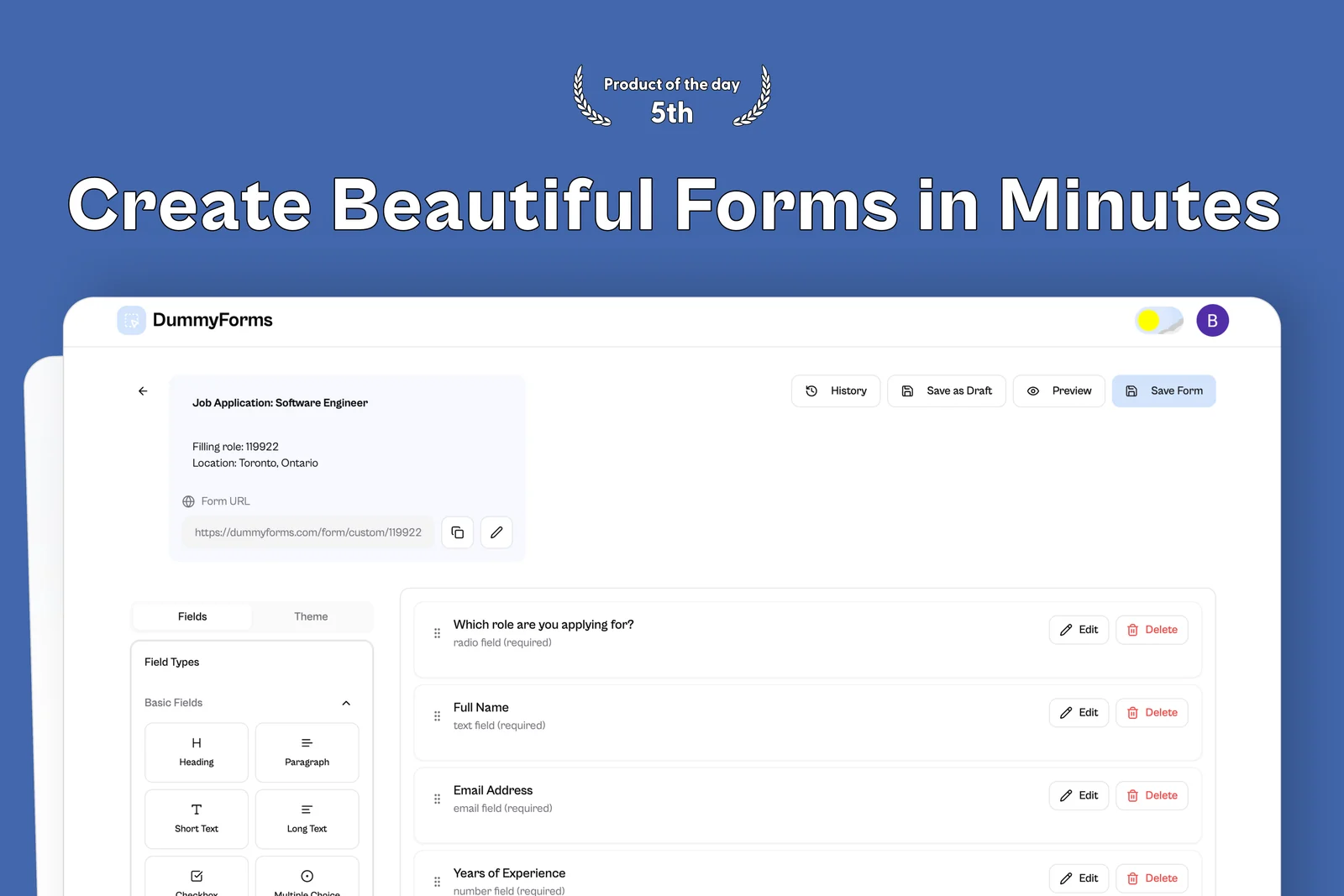 From the maker
DummyForms
A form builder for creating, sharing, and managing online forms and their submissions.
LovableDummyForms vs Jotform
Compare form collection separately from payments, generated documents and approval steps.
Read moreHow vibeforthat Reviews Sources
Understand the difference between a discovery lead, a maker build record and an independently tested product.
Read more