ALTERNATIVES
DummyForms vs Google Forms
DummyForms has maker-documented creation, sharing and submission management. Google Forms documents response charts and export to Sheets. That is a reason to check where answers must go before replacing a form already connected to a spreadsheet.
On this page
Keep the response workflow explicit
DummyForms has maker-documented creation, sharing and submission management. Google Forms documents response charts and export to Sheets. That is a reason to check where answers must go before replacing a form already connected to a spreadsheet.
What the smaller product covers
- Create online forms
- Share forms and collect submissions
- Manage form submissions
What to check before moving
- Advanced branching, integrations, exports, quotas, and current pricing have not been tested
- SMS notifications were described as planned in the historical interview, so they are not included as a present capability
Try the same small task
Use the same content or candidate times in both products. Check the finished mobile view, who can respond, and where the result goes. This is a source-based scope comparison; no completed migration or end-to-end trial is claimed.
Sources & maker notes
Related guides & projects
View all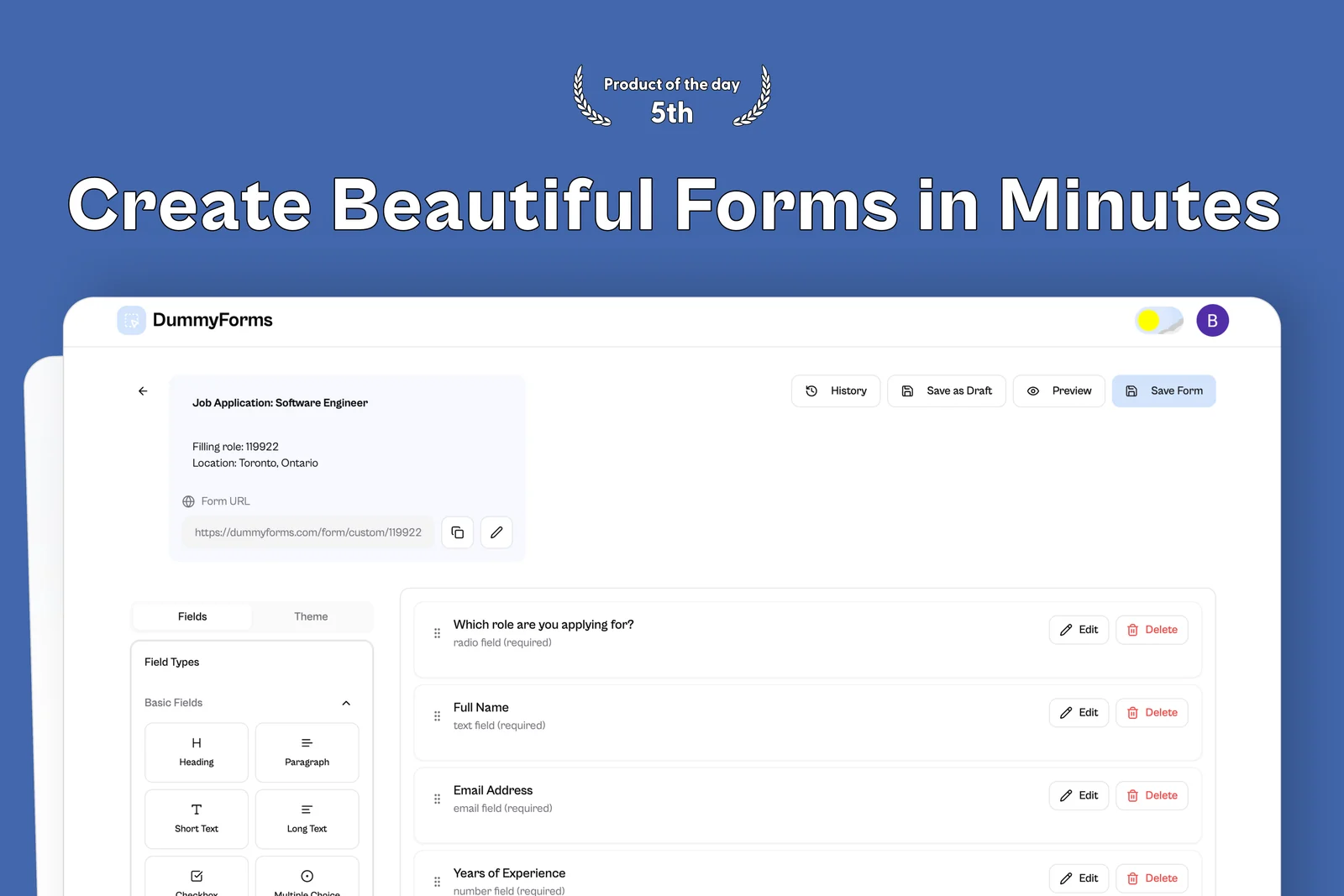 From the maker

DummyForms
A form builder for creating, sharing, and managing online forms and their submissions.
Lovable
Google Forms Alternatives for Forms and Response Exports
Compare Google Forms alternatives for forms and Response Exports. Check question types, respondent access and response destinations.
Read moreForm Builder App Examples
Create a form, share it and collect responses. Compare the input experience and the work you need to do with the results.
Read moreHow vibeforthat Reviews Sources
Understand the difference between a discovery lead, a maker build record and an independently tested product.
Read more