
ALTERNATIVES
FilmCraft vs CapCut
Compare a short social deliverable with a desktop timeline, caption track and platform-specific export settings.
On this page
FilmCraft/01Choose one representative input.
02Inspect the editable state and final output.
03Retain the source before a wider move.
The shared task
Compare a short social deliverable with a desktop timeline, caption track and platform-specific export settings.
The documented working scope
- Arrange, trim and layer clips on a multitrack timeline.
- Work with colour controls, scopes, keyframes, audio and caption tracks.
- Choose the documented export and sequence-interchange routes for the installed platform.
The requirements to check
- The repository labels FilmCraft alpha and lists gaps for large media, third-party plugins and production delivery.
- It is a desktop editing route; a matching phone workflow, CapCut templates or direct CapCut project import were not verified.
- Delivery-codec and hardware-encoding support depend on platform and settings. No export-speed or compatibility test was run here.
Keep the next edit possible
Keep the original source and the editable working version while checking a small output. Use the complete brand guide for the other options and the product record for its published sources.
Sources & maker notes
Related guides & projects
View all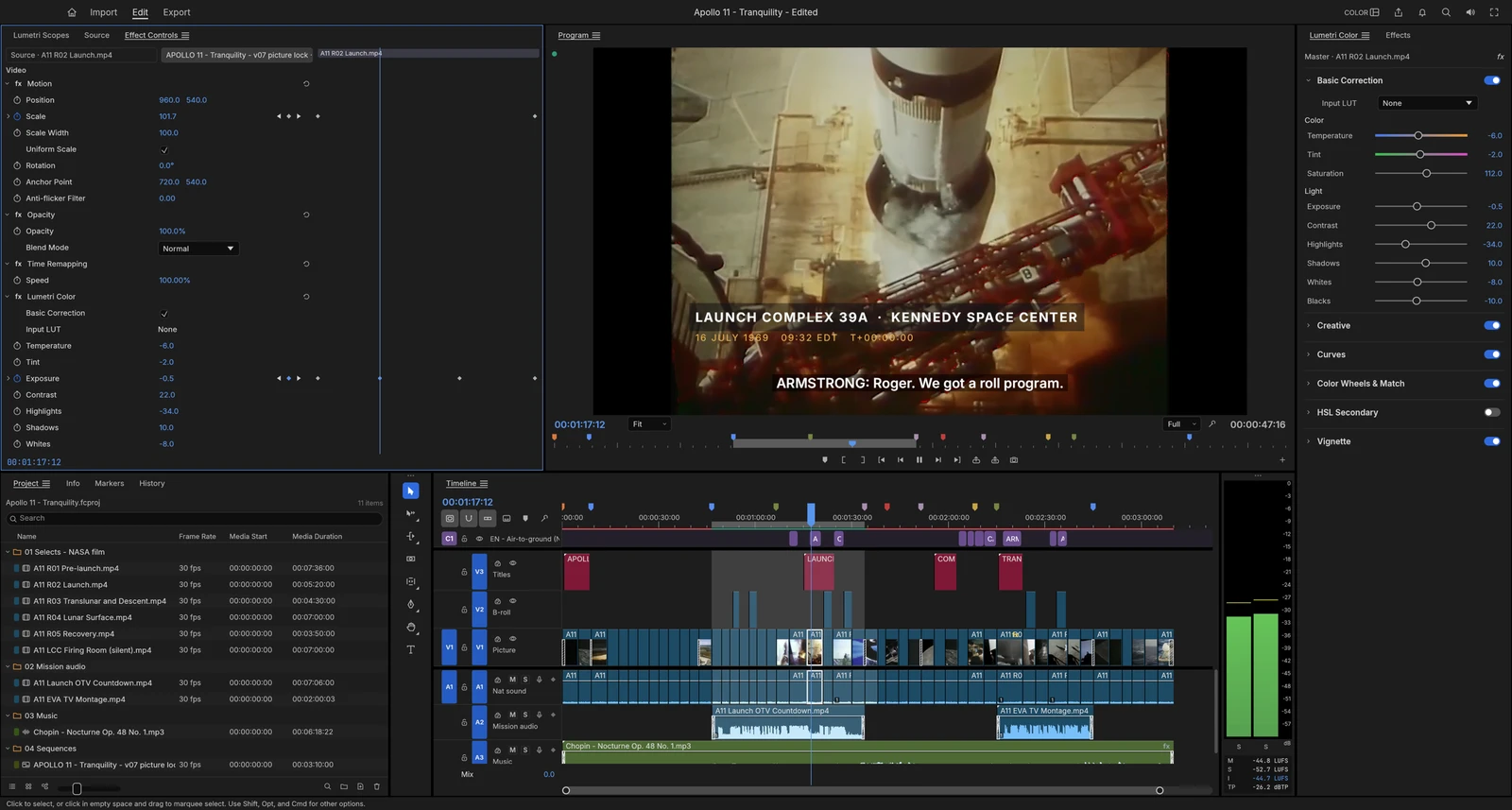 From the maker
FilmCraft
An alpha desktop video editor with a multitrack timeline, colour controls, titles, captions and documented export settings.
ClaudeCapCut Alternatives for Short Video Editing
Compare CapCut alternatives for short Video Editing. Check device support, captions and exported files.
Read moreDesign and Content App Examples
Choose a focused tool for visual assets, recording, editing or publishing.
Read moreHow vibeforthat Reviews Sources
Understand the difference between a discovery lead, a maker build record and an independently tested product.
Read more