
ALTERNATIVES
PhotoCraft vs Canva
Alpha layered image editing; template libraries, brand workflows and presentation compatibility are not established.
On this page
PhotoCraft/01Alpha layered image editing; template libraries, brand workflows and presentation compatibility are not established.
02Recreate one branded graphic and hand it to a colleague; check fonts, editable layers and the final export.
The shared task
Alpha layered image editing; template libraries, brand workflows and presentation compatibility are not established.
Inside PhotoCraft
- Combine image, text, shape and adjustment layers with masks.
- Edit type on the canvas and adjust colour or tone in dedicated controls.
- Use the documented PSD and image-format paths, or separately configured CLI/MCP automation.
Before relying on it
- The repository labels the editor early alpha; test a copy of a representative document before relying on it.
- Document opening does not establish full fidelity for every font, smart object, effect or downstream application.
- No application installation, PSD round trip or independent compatibility benchmark was performed here.
Run a small comparison
Recreate one branded graphic and hand it to a colleague; check fonts, editable layers and the final export.
A few more details
Does PhotoCraft replace the full Canva suite?
Alpha layered image editing; template libraries, brand workflows and presentation compatibility are not established.
Sources & maker notes
Related guides & projects
View all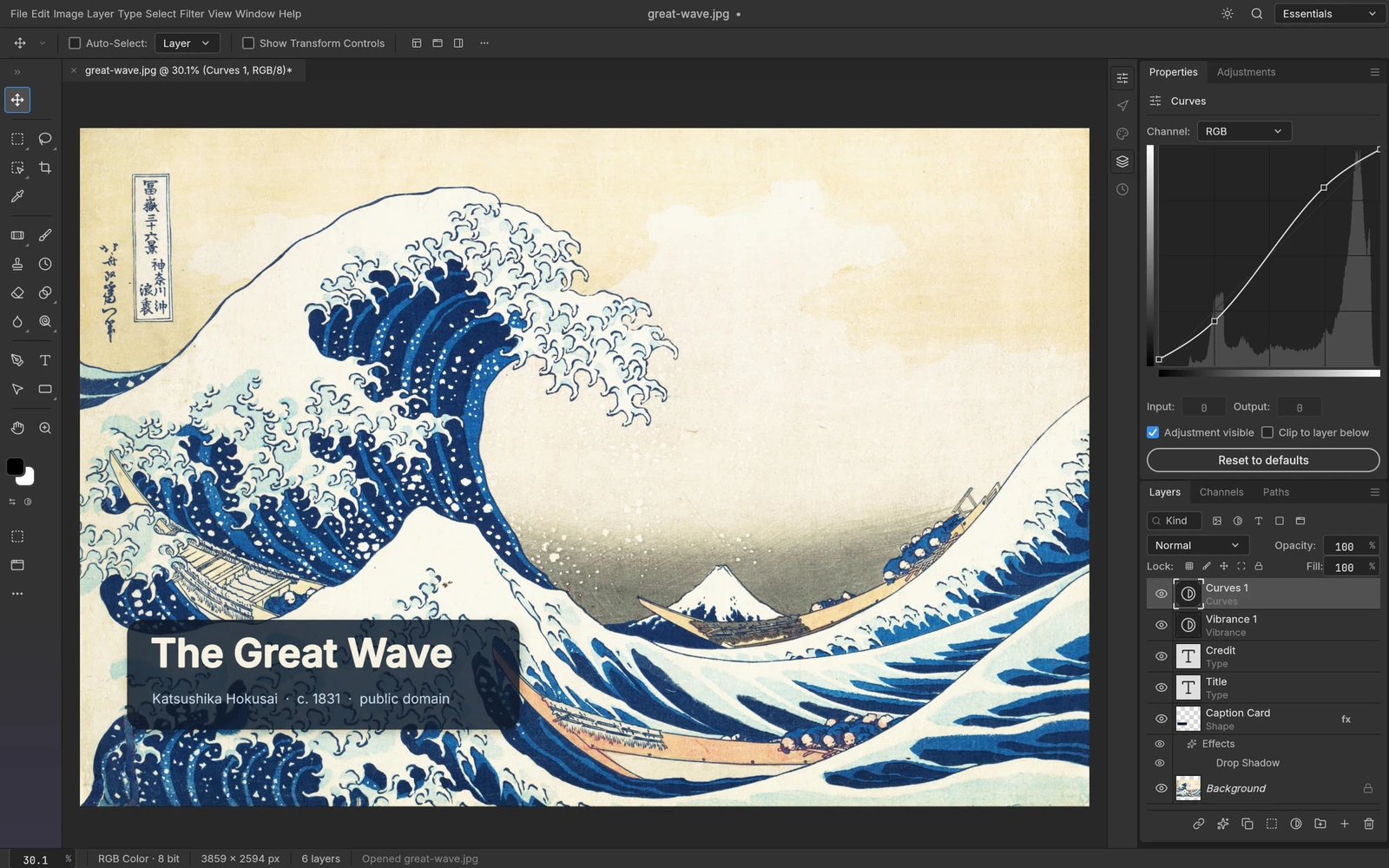 From the maker
PhotoCraft
An early-stage layered image editor with masks, editable type, adjustments and documented PSD read/write support.
ClaudeCanva alternatives
Canva alternatives split between template-led content and hands-on image editing. Adobe Express and VistaCreate are closer candidates for reusable social graphics; Photopea is a layered-image route. Compare the templates, editable assets and team handoff you actually need before moving a brand workflow.
Read moreDesign and Content App Examples
Choose a focused tool for visual assets, recording, editing or publishing.
Read moreHow vibeforthat Reviews Sources
Understand the difference between a discovery lead, a maker build record and an independently tested product.
Read more