Meeting workflow
How to Record and Transcribe a Meeting Without a Bot
Choose between recording on your device and importing an existing file. Test audio permissions, review the transcript and export a usable copy.
On this page
Start with the audio you can access
Agree on recording with the participants and follow your organization’s rules. If you already have a permitted recording, import that file into a transcription tool. For a live call, use a supported recorder to capture audio on the device without adding a participant to the meeting.
Before an important call, record a short test. Listen for both your microphone and the other speaker, then check speaker labels and export format.
Review the transcript before sharing
- Check names, numbers and dates against the audio.
- Confirm which parts of processing run on the device if you use optional cleanup or summarization.
- Export a copy your team can use and share it only with the intended people.
A few more details
Does bot-free recording mean transcription stays on my device?
Check the capture and processing settings separately. A tool may record on the device and use a cloud service for transcription or optional cleanup.
Sources & maker notes
Related guides & projects
View all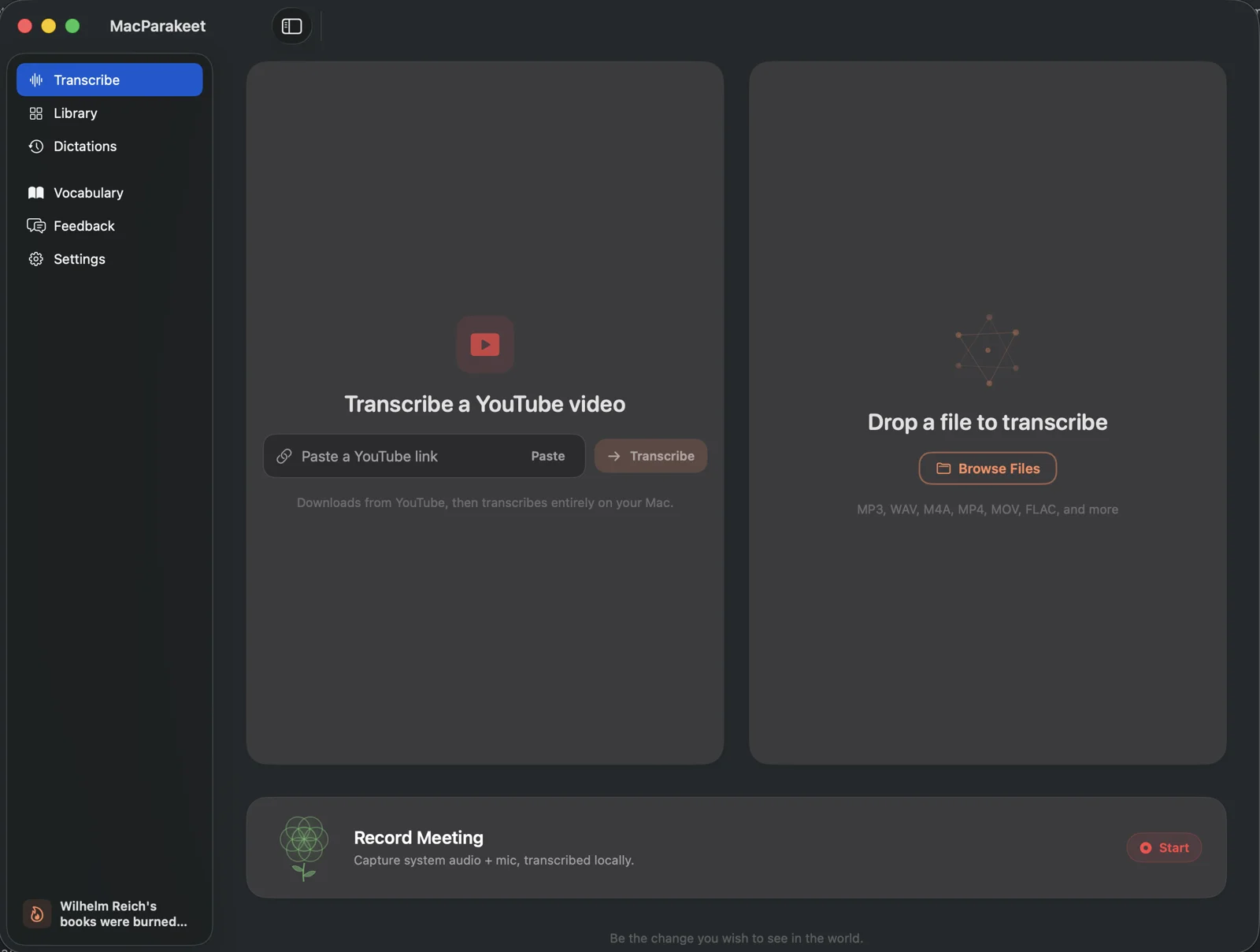 From the maker

MacParakeet
Local-first dictation, transcript review and meeting recording for Apple Silicon Macs, with optional text cleanup.
Claude Code · CodexDictation App Examples
Choose speech-to-text tools by your device, recognition path and the text you need to produce.
Read moreGuides and Workflows
Practical guides for building, shipping and discovering useful software.
Read more